All guides
7 min read·Intermediate·6 steps·3 screenshotsData and targeting

How to clean your contact list

A list is not a one-off thing. Companies close, people leave and addresses stop working. A clean list is the cheapest deliverability insurance.

A bad list is the fastest way to burn a domain: 10% dead addresses in one batch and providers block you for weeks. Cleaning is not a one-off before the campaign, it is hygiene that runs all the time.

This guide covers verification, catch-all addresses, removing bounces, the blocklist and unsubscribes. Colldly does all of it automatically, but you should know what happens and why.

1

Have addresses verified before sending

Verification runs automatically between finding a company and adding it to a campaign. Non-existent addresses are removed, risky ones flagged.
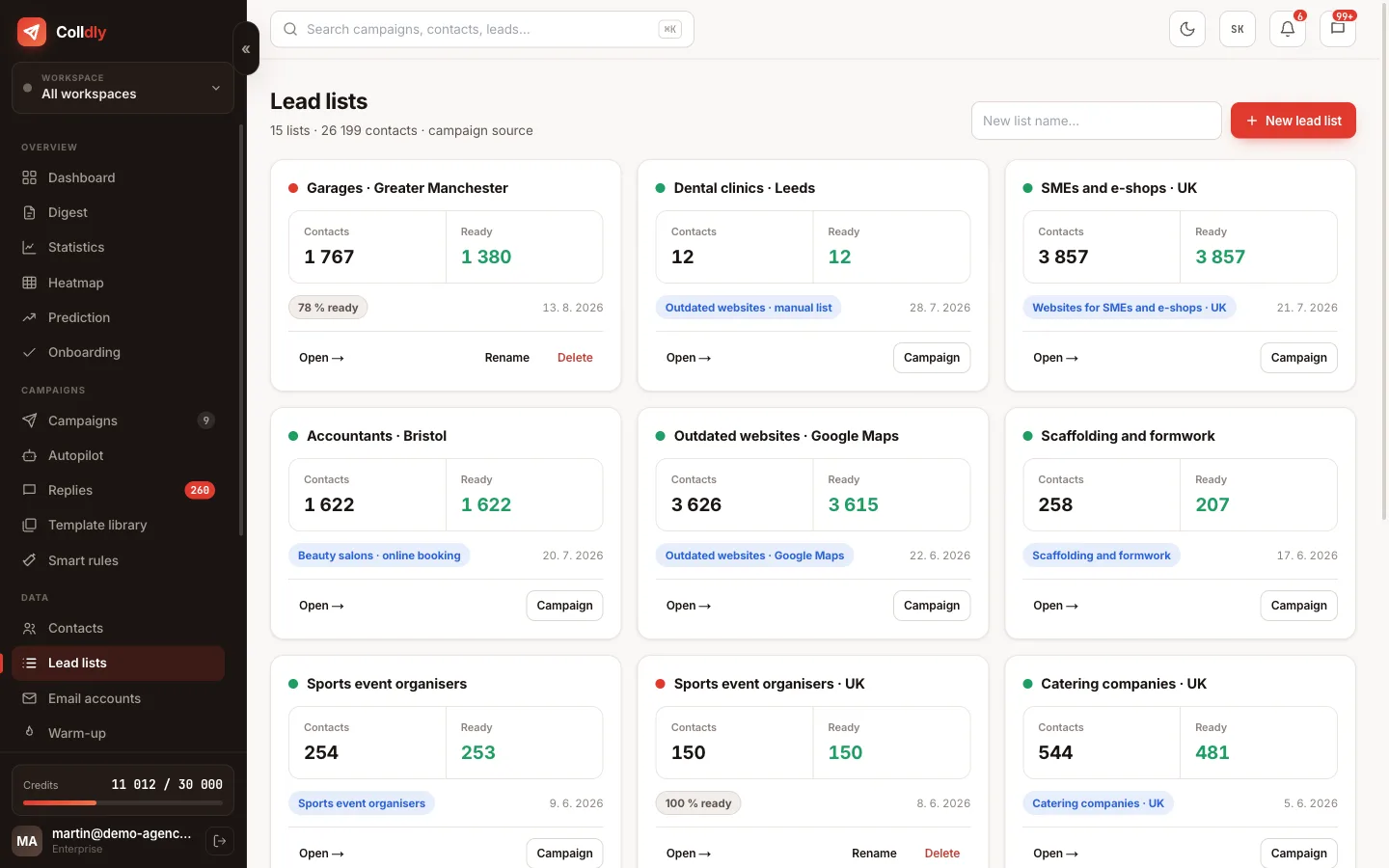
colldly.com/dashboard › Lead lists
Verified, ready contacts in Colldly lead lists
2

Decide about catch-all addresses

A catch-all domain accepts email to anything, so it cannot be verified whether the mailbox exists. With a healthy bounce rate contact them freely; with worsening deliverability leave them out.

3

Remove bounces straight away

A hard bounce means the address does not exist. The system removes it on its own, but when you import your own lists, go through them before the next wave.

4

Use the blocklist

Add clients, competitors and people who do not want to hear from you to the blocklist. The system skips them in all campaigns of that brand.
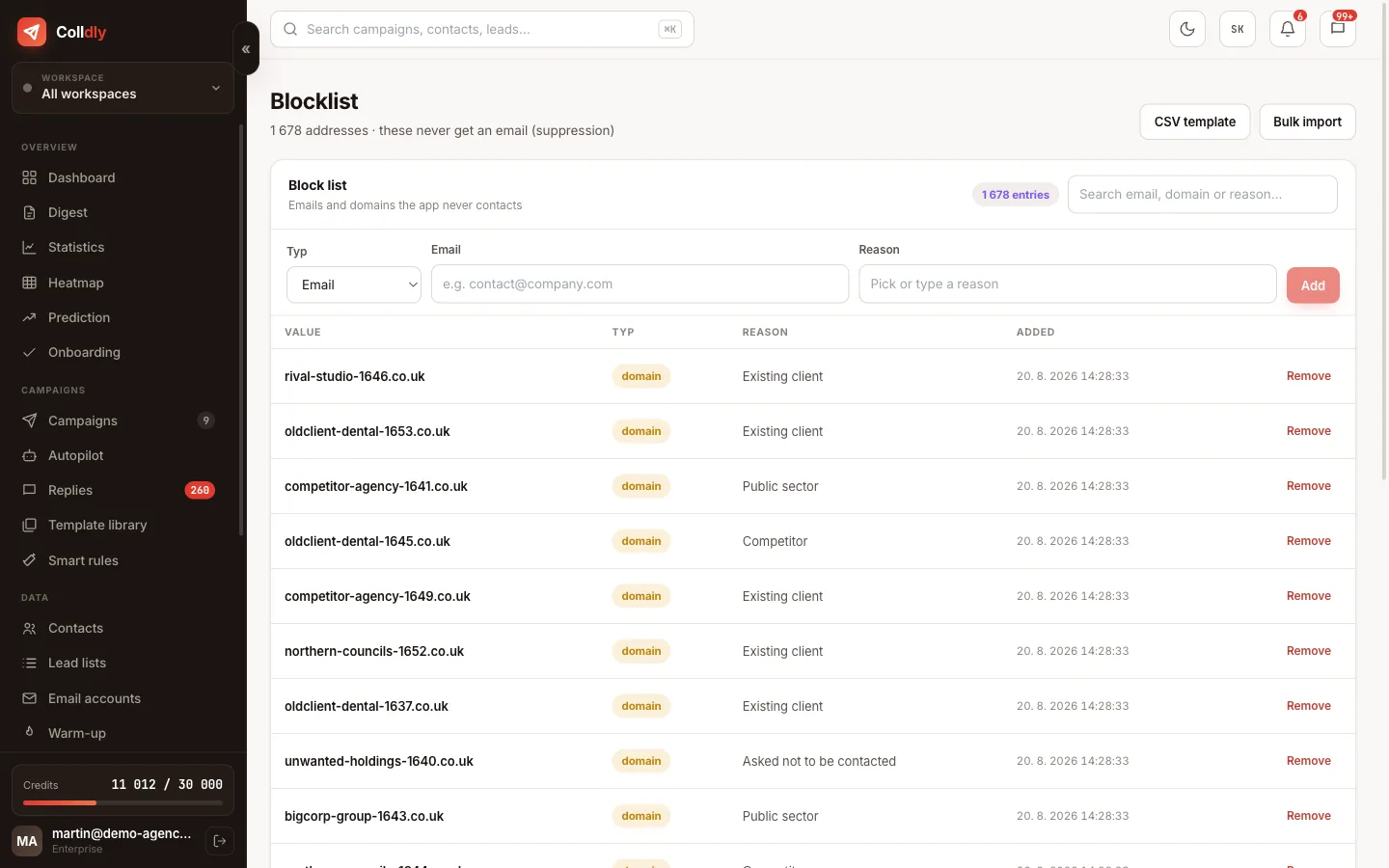
colldly.com/dashboard › Blocklist
Blocklist in Colldly: domains and addresses that are never contacted
5

Respect unsubscribes immediately

An unsubscribe is processed automatically and the address goes to the suppression list. Never put it back into a campaign; it is not only rude but legally risky.

6

Don't stockpile

A list found a year ago is largely invalid today. Better to search smaller batches continuously than one huge batch for the future.
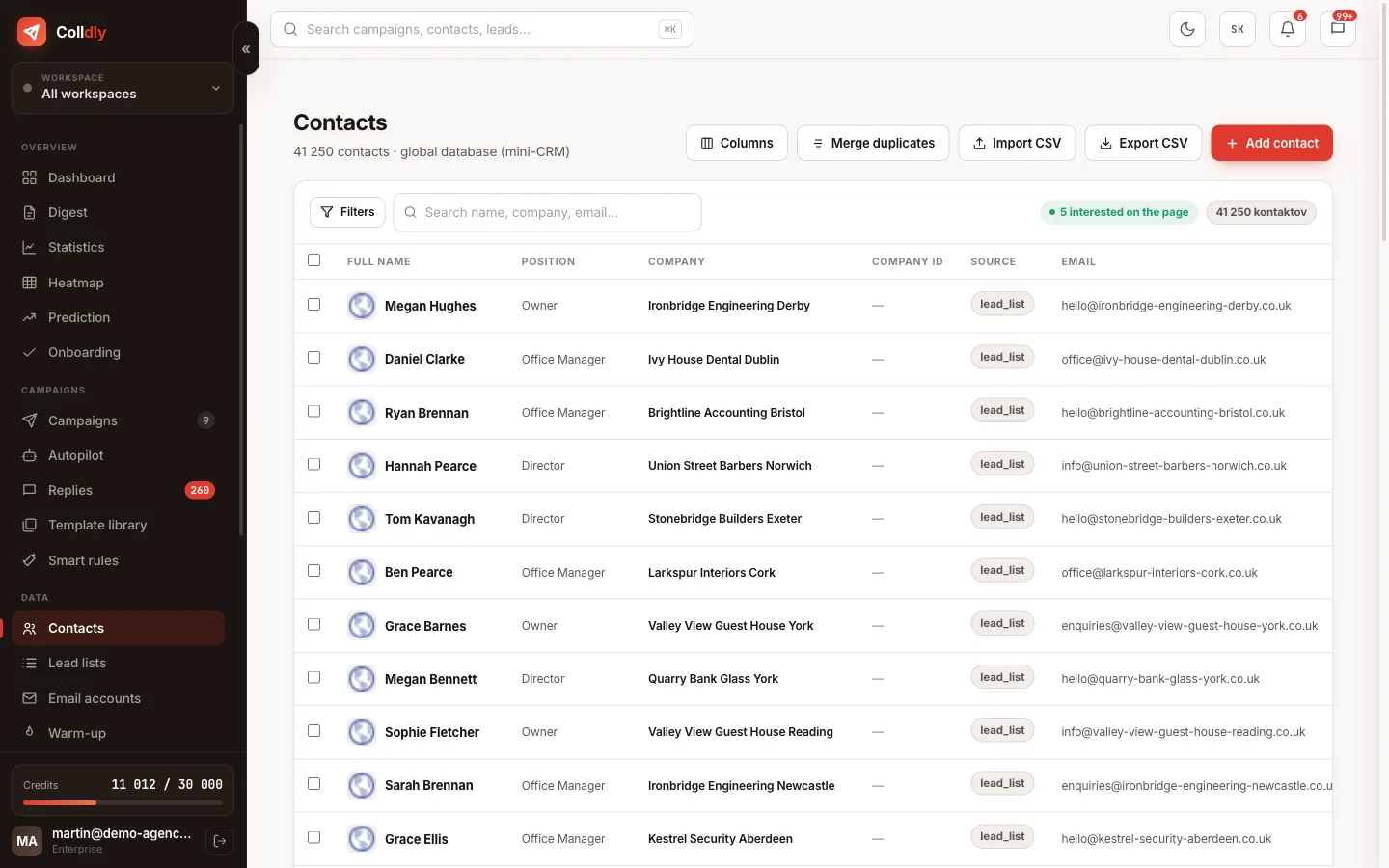
colldly.com/dashboard › Contacts
Contacts in Colldly with duplicate merging and email status
What to avoid
Sending to an old list "to see what happens". What happens is a burnt domain.
Retrying hard bounces. They never come back.
Collecting 5,000 contacts you cannot contact within a month. They go stale.
Checklist
  • Every address is verified before the first email
  • Catch-all addresses are flagged and you send to them carefully
  • Hard bounces are removed and never return
  • Clients, partners and competitors are on the blocklist
  • Unsubscribes are processed immediately and automatically
  • You do not stockpile contacts you cannot reach within a month
Questions about this guide
Do you verify addresses automatically?
Yes, every found and imported address goes through verification (syntax, domain, MX, SMTP) for 1 credit. Only existing ones enter the campaign.
How often should I clean an old list?
Before every use. Business addresses decay 20 to 30% a year (people leave, domains change). Re-verify any list older than three months.
What about duplicates?
The "Merge duplicates" button in Contacts joins the same company from several sources by domain and email. A campaign never adds a company that is already in another campaign of the same workspace.
Continue with
Next guide in order: GDPR, PECR and cold email in the UK and EU
Start today

Colldly does all of this for you

It finds the companies, writes personalised emails, guards deliverability and puts the replies into one inbox. Start for free, no card.

Start for free
No credit card · First 200 credits free · Cancel anytime