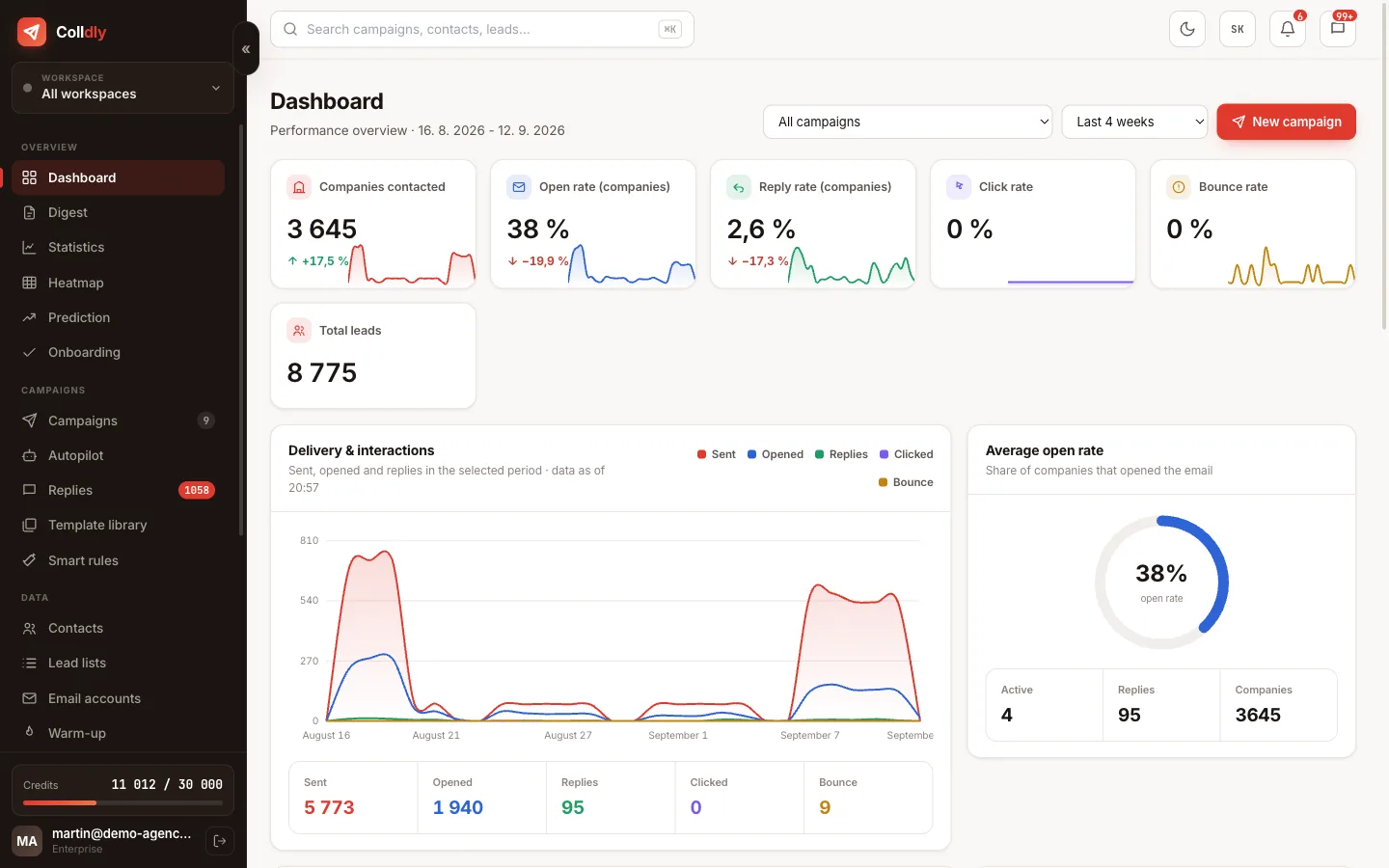
A high bounce rate is the fastest way to destroy your domain. It is not a gradual decline; one batch to an old, uncleaned list is enough and providers remember it for weeks.
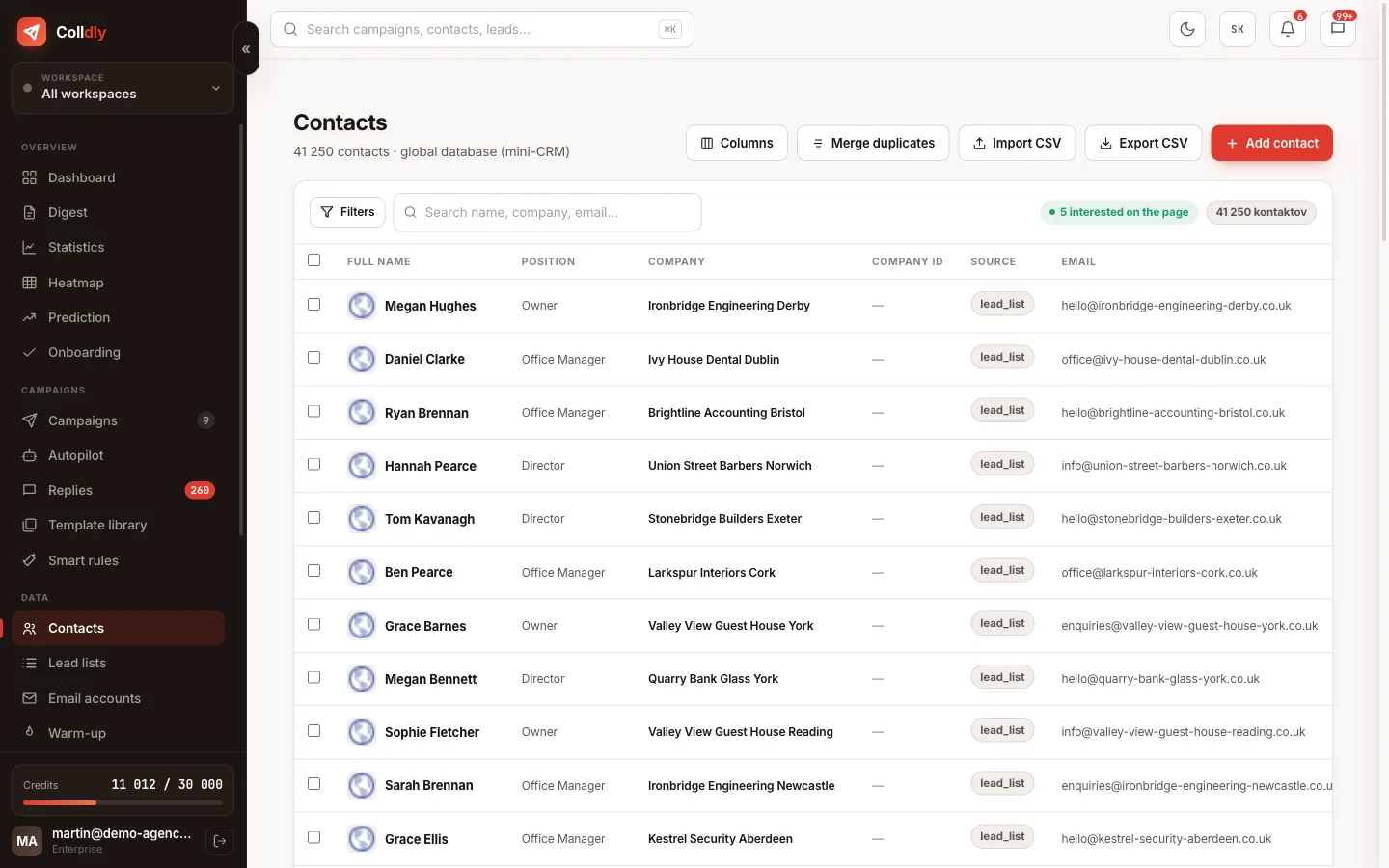
That is why verification is not an optional extra step but part of the path between finding a company and adding it to a campaign.
What an address goes through
Four levels of checking, each removing a different group of problems.
Catch-all and what to do with them
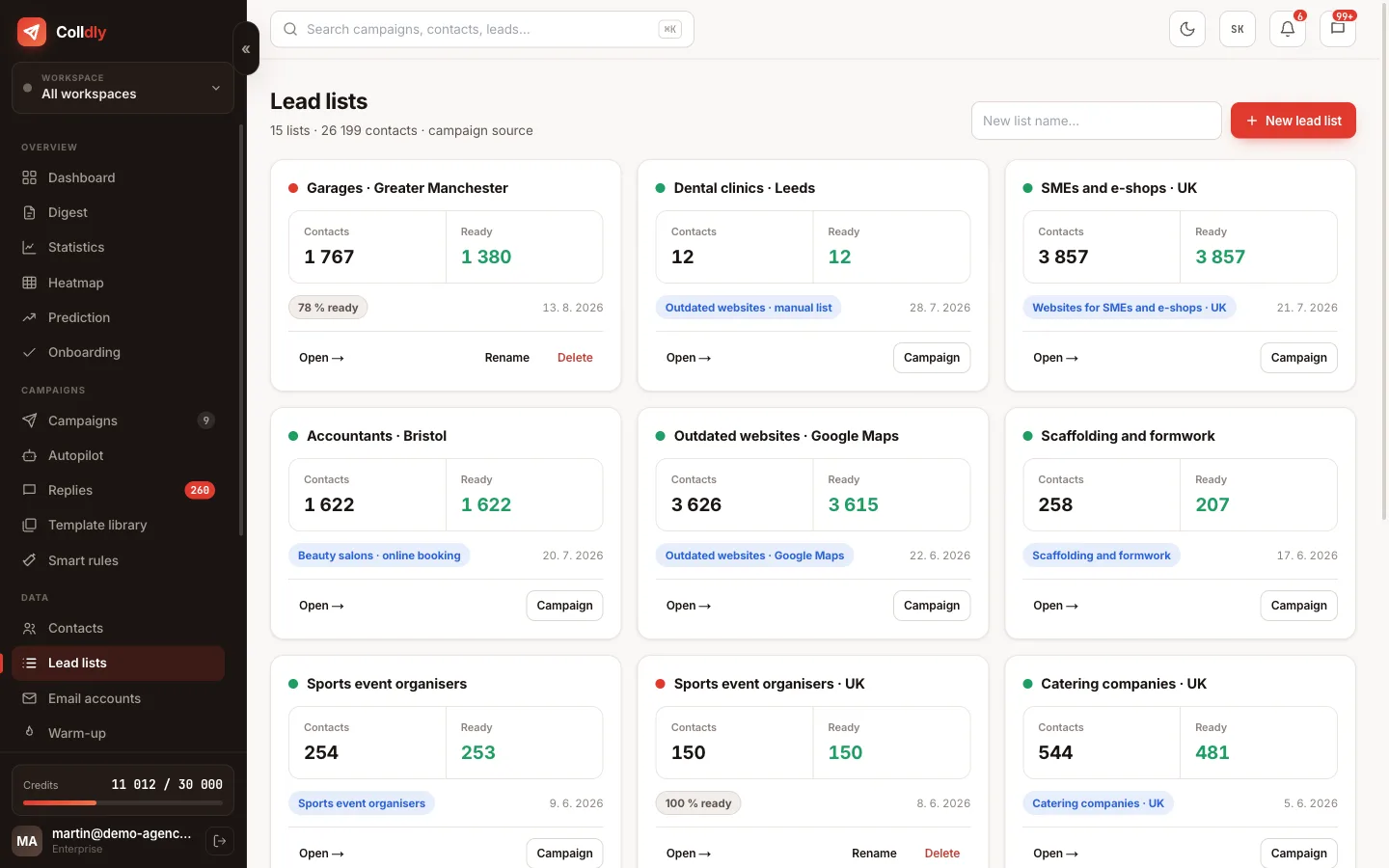
Some domains are set up to accept email to any address, existing or invented. These are called catch-all, and for them it simply cannot be verified whether a specific mailbox exists.
Colldly therefore marks them neither as valid nor as invalid but as risky. It leaves the decision to you because it depends on the situation: with a healthy bounce rate contact them freely; with worsening deliverability better leave them out.
For every contact you see the status and the verification score, so you decide by a number, not by gut feeling.
Why it pays off financially too
Verification costs credits, so at first glance it is an extra expense. In reality it is the cheapest item of the whole campaign.
An email sent to a non-existent address costs a credit for generation, a credit for sending and, on top of that, reputation damage that shows in the deliverability of all other messages. Verification stops this chain at the start.
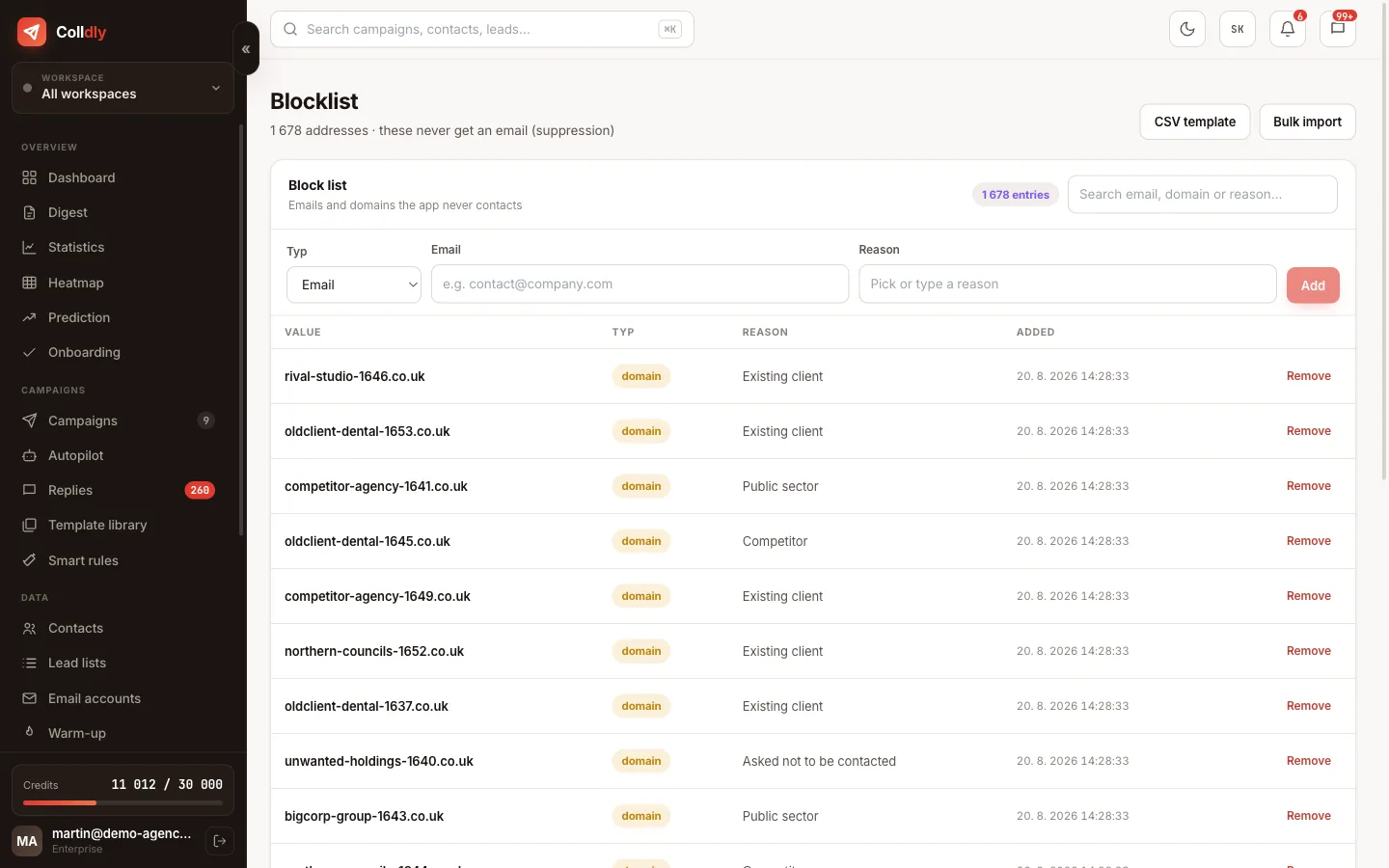
The practical impact is best seen in the campaign funnel, where you see exactly how many companies dropped out at which step: no website, no email, invalid address, blocklist.
What the individual statuses mean
For every contact you see the verification result. Based on it you decide whether to contact them.
When to verify again
Verification captures the state at a specific moment. A company may close in a month, an employee may leave and their mailbox be deleted. That is why it makes sense to run the list again before a bigger wave, even if it was verified once.
A practical rule: verify anything older than three months before use. With lists older than a year it is cheaper and faster to collect the companies anew than to clean the old file; in the meantime not only the addresses changed but also which companies exist at all.
Colldly therefore favours continuous searching in smaller batches over building a large stock of contacts for later. A list used within a week of being found has a considerably lower bounce rate than one that waited six months.
What this feature does not do
So you know exactly what you are buying: these are deliberate limits, not bugs.
Frequently asked questions
Are contacts from my CSV verified too?
Yes, imported addresses go through the same check as those found by the system.
What bounce rate is still acceptable?
Under three percent. Above five percent stop the campaign and clean the list before continuing.
Can I skip verification?
We do not recommend it. The saved credits do not outweigh the risk of domain damage.
What does the score next to a contact mean?
It expresses how reliably the address could be verified. A high score means a confirmed existing mailbox, a low one a risky or unverifiable case.