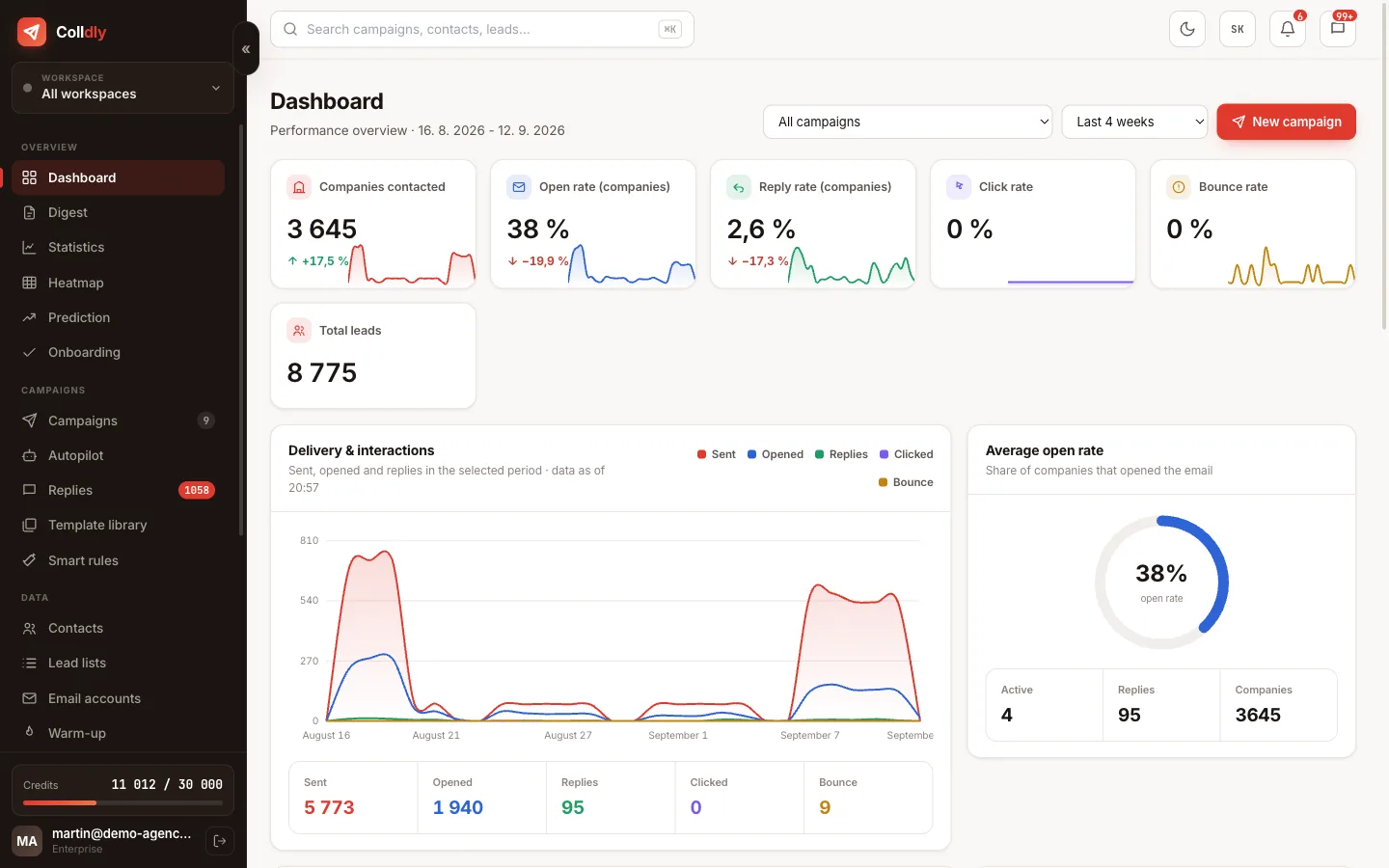
Bounce rate
The share of emails that could not be delivered. A high bounce rate wrecks sender reputation. Keep it under 3%.
Mailbox providers read bounces as a signal that you send to a poor or stale list. One batch to an uncleaned list with 10% dead addresses can push a whole domain into spam for weeks.
Prevention is simple: verify every address before sending and never send again to an address that has bounced.
In ColldlyEvery found or imported address is verified and hard-bounced addresses land on the suppression list automatically.
Bounce (hard and soft)
A hard bounce is permanent (the address does not exist), a soft bounce temporary (full mailbox, server unavailable).
Remove hard bounces immediately; retrying only hurts reputation. A soft bounce can be retried after a day or two; if it repeats three times, treat it as hard.
In ColldlyColldly recognises the bounce from the server response, flags the address and continues the campaign without retrying that address.
Deliverability
The ability of your emails to reach the inbox instead of spam. Built on domain and mailbox reputation, technical setup, volume and content.
Deliverability is the sum of four things: the technical setup of the domain (SPF, DKIM, DMARC), reputation (how the domain and mailbox behaved in the past), volume (how much and how regularly you send) and content (spammy words, links, images, text ratio).
The classic beginner mistake is a new domain, a new mailbox and a hundred emails on day one. Providers read that as spam and the domain carries the damage for months. Warm-up and a slow ramp-up are mandatory, not optional.
In ColldlyThe deliverability centre checks SPF, DKIM and DMARC, watches bounces and alerts you when something breaks. Warm-up and limits run automatically.
Sender reputation
The score mailbox providers keep on your domain and mailbox based on how they behave over time.
Reputation is not one number you can look up. Gmail, Microsoft and the rest compute it themselves from bounces, spam complaints, replies, opens and whether people move your emails into spam or out of it.
It takes weeks to build and a day to lose. That is why cold email should go out from a secondary domain, not the one you use with clients.
In ColldlyWarm-up builds the reputation of a new mailbox gradually: mailboxes write to each other, reply, and rescue messages from spam into the inbox.
Warm-up
Gradually building the reputation of a new mailbox: small volumes, natural conversations, slow growth. Takes 2 to 4 weeks.
Warm-up mimics a normal person: the mailbox sends a few emails a day, gets replies, someone marks them as important. Volume rises slightly every day. After two to four weeks the mailbox has a history that providers trust.
Warm-up does not end when the campaign starts. The mailbox should keep sending and receiving warm-up messages alongside outreach so the ratio of normal to sales mail looks natural.
In ColldlyWarm-up is included from the Starter plan. Set the daily limit, growth and target days; the rest runs in the background. Messages found in spam are moved to the inbox automatically.
Ramp-up
Increasing a new mailbox's daily volume step by step instead of jumping to full output. A sudden spike is a classic spam signal.
A typical ramp-up starts at 5 to 10 emails a day and adds a few every two or three days until it reaches the target. For a warmed-up mailbox the safe ceiling is usually 30 to 50 cold emails a day.
In ColldlyA new mailbox in Colldly ramps up automatically; you set the ceiling per mailbox.
Daily limit
The maximum number of emails one mailbox sends per day. For a warmed-up mailbox, up to 50 cold emails a day is the usual recommendation.
The limit is not about technical capacity; Gmail can push a thousand. It is about how your mailbox looks from the outside. An account that suddenly sends two hundred similar emails a day to strangers looks suspicious to filters. Fifty spread across a working day looks human.
If you need more volume, do not raise the limit; add mailboxes and let the campaign rotate between them.
In ColldlyLimit and gaps (minimum and maximum minutes between emails) are set per mailbox. The campaign then rotates mailboxes on its own.
Mailbox rotation
A campaign alternates several sending mailboxes so that none exceeds a safe daily volume. Higher total output without the risk.
Five mailboxes at 40 emails a day give you 200 emails while each one looks like a normal work account. If one mailbox sent the same amount, filters would block it within a week.
Rotation works best when mailboxes sit on two or three different domains. A problem with one domain then does not stop the whole campaign.
In ColldlyIn the campaign you pick which mailboxes it uses and the system rotates them by free capacity and limits.
Human-like gaps
Random intervals between sent emails (for example 3 to 9 minutes) instead of a batch sent at once.
A person does not send 40 emails in one second. Provider filters know it, and batch sending is one of the easiest signals they use to spot spam. Random gaps within the recipient's working hours make an automation look like human work.
In ColldlyGaps and the sending window (days, hours, the recipient's time zone) are part of every campaign's settings.
SPF
A DNS record listing which servers may send email on behalf of your domain. A basic requirement for deliverability.
Without SPF anyone can put your domain in the sender field. Providers therefore distrust email without it. The record is a single TXT line in your domain's DNS listing the permitted servers.
Watch the ten-lookup limit: with several services it is easy to exceed, and the record silently stops working.
In ColldlyThe deliverability check shows whether SPF is right and gives you the exact value to copy to your domain provider.
DKIM
A cryptographic signature on the email tied to your domain. The receiver verifies nobody altered the message and that it really came from you.
DKIM is a key pair: a private key on the server signs the emails, a public key in DNS lets the receiving server verify the signature. Since 2024 Gmail and Microsoft penalise bulk senders without DKIM heavily.
In ColldlyThe domain check shows whether DKIM is set up and under which selector.
DMARC
A policy on top of SPF and DKIM telling receivers what to do with a message that fails the checks: nothing, quarantine or reject.
A DMARC record with at least a "none" policy has been required since 2024 for anyone sending volume to Gmail and Yahoo. "Quarantine" or "reject" protects your domain from abuse, but deploy it only after SPF and DKIM are confirmed, otherwise you block your own mail.
In ColldlyThe check shows the DMARC policy and warns when it is missing.
Secondary domain
A domain similar to your main one (yourcompany-mail.co.uk instead of yourcompany.co.uk) used only for cold email, so a problem never touches your normal mail.
Reputation is tied to the domain. If a cold campaign goes wrong you do not want your invoices and client emails landing in spam. A secondary domain redirecting to your main site is cheap insurance: a few pounds a year.
Ideally two or three secondary domains with two or three mailboxes each. Rotation then spreads the volume and one troubled domain does not stop the campaign.
In ColldlyIf you would rather not set up domains and mailboxes yourself, we can prepare the infrastructure for you (see pricing).
Custom tracking domain
A domain of your own that tracking links and the pixel go through, instead of the tool's shared domain.
When thousands of users share one tracking domain, you carry everyone's reputation. Your own subdomain (for example go.yourcompany-mail.co.uk) means links in your emails point to your domain and filters judge it on its own.
In ColldlySet your tracking domain in the account; it needs one CNAME record in DNS.
Collector mailbox
A mailbox that gathers replies from several sending addresses (via reply-to). Simplifies reply handling when rotating mailboxes.
Instead of watching ten mailboxes you watch one. Sending addresses have their reply-to set to the collector and the collector syncs into Unibox.
In ColldlyCollector mailboxes are set up under Email accounts; Unibox reads them over IMAP every few minutes.
Spam trigger words
Phrases and patterns filters associate with spam: free, guarantee, 100%, exclamation marks, capitals, shortened links.
Filters today judge context, not single words, but stacking signals still hurts: three exclamation marks, two links, an image and "FREE" in the subject. A plain-text email with no links and no graphics passes almost always.
In ColldlyThe AI writes factual plain-text emails without these patterns. With your own templates, watch for them yourself.
List-Unsubscribe
An email header that enables one-click unsubscribe directly in Gmail or Yahoo. Required for bulk senders since 2024.
One-click unsubscribe reduces spam complaints: the person clicks "unsubscribe" in the mail interface instead of "report spam". For you that is the difference between one fewer address on the list and a damaged reputation.
In ColldlyList-Unsubscribe and List-Unsubscribe-Post (RFC 8058) are in every email automatically.