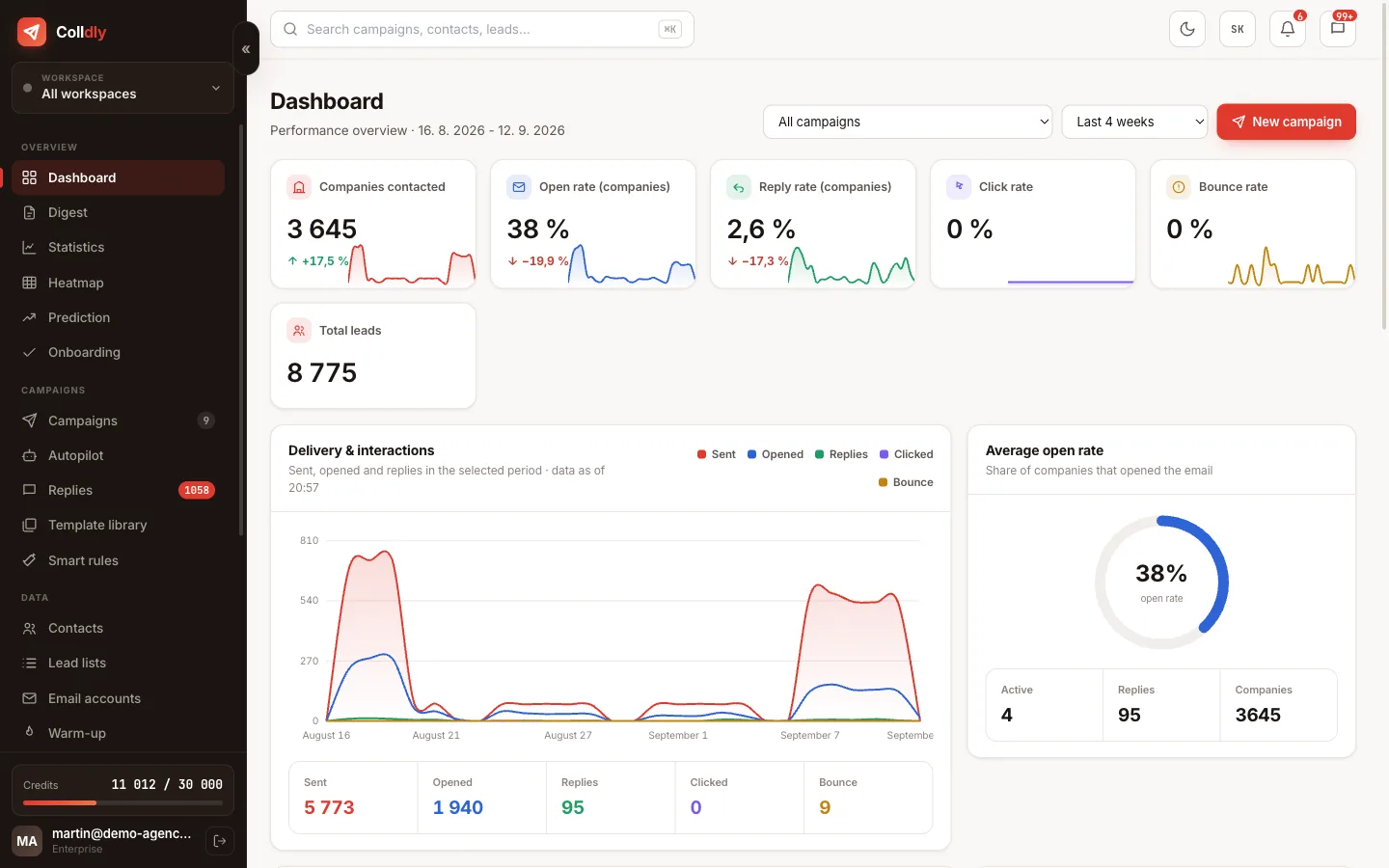
A mailbox is the only thing Colldly needs from you. We send from your addresses so reputation and replies belong to you. This guide shows the exact settings for Google, Microsoft and your own hosting, and what to do when the connection test fails.
Mailbox passwords are encrypted in Colldly (AES-256-GCM) with a separate key that is not stored in the database. For Google and Microsoft use an app password, not the account password.
Prepare the details
You need the SMTP and IMAP server addresses, ports and login details. You find them in your email provider's help, usually under "mail client settings".
Google Workspace and Gmail
Turn on two-factor authentication and create an app password. Your normal account password will not work. The server is smtp.gmail.com on port 587 and imap.gmail.com on port 993.
Microsoft 365 and Outlook
You need an app password here too. In some organisations SMTP is disabled and has to be enabled by the administrator. The server is smtp.office365.com on port 587.
Your own hosting
With ordinary web hosting use the details of your email account. The ports are usually 587 for SMTP and 993 for IMAP with encryption.
Test the connection
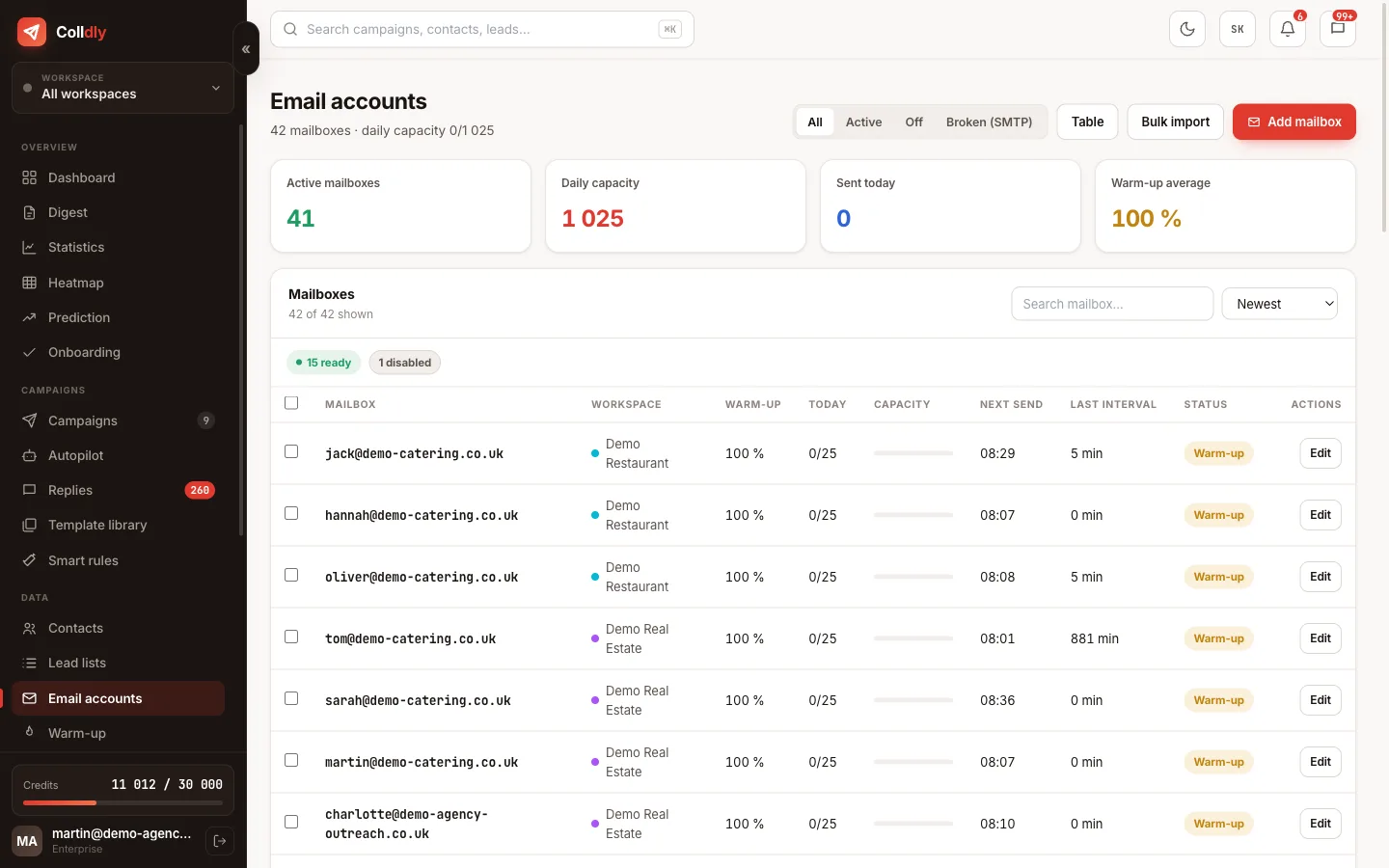
After saving, run the test. It verifies that the mailbox really sends and receives. Only once the test passes does it make sense to add it to a campaign.
Set the signature and collector mailbox
Add a signature and choose where replies should be collected. With several sending addresses it pays to route replies into one mailbox you watch.
- You have the SMTP and IMAP host, port and an app password
- The SMTP test (sending) and the IMAP test (receiving) passed
- The signature is plain text with name, company and phone
- Daily limit and gaps are set according to the mailbox's age
- Warm-up is switched on
- A collector mailbox is set if you rotate several addresses