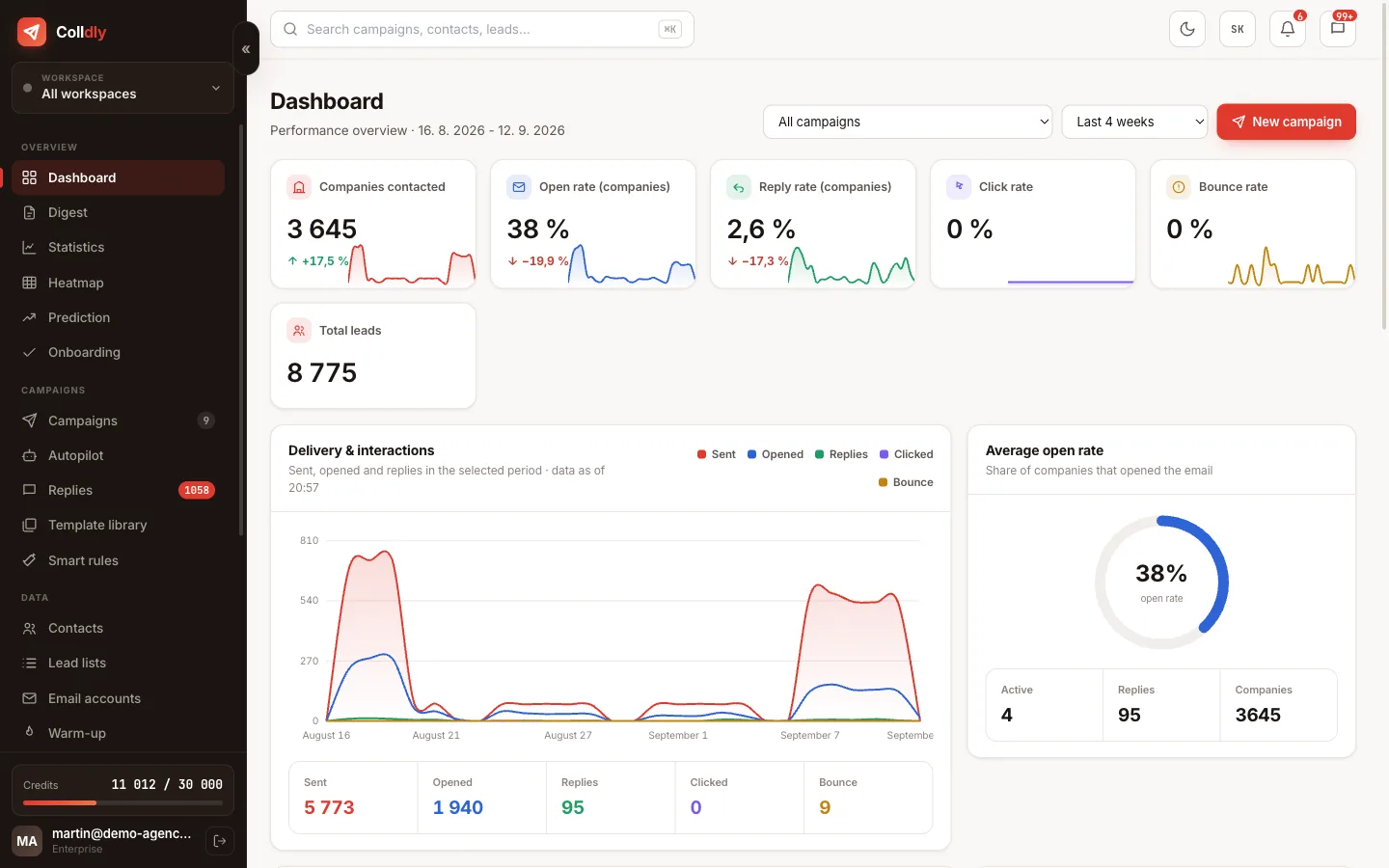
Everyone recognises a bulk email. It starts with "Dear Managing Director", continues with a paragraph about how dynamic we are, and ends with a request for a meeting. Such an email has no deliverability problem. Its problem is that nobody reads it to the end.
Cold email works when the recipient understands after the first sentence that you are writing to them specifically. That can be done by hand, but with a hundred companies it is weeks of work. Colldly solves it by first finding something out about each company and only then writing, not the other way round.
Below is a breakdown of exactly what the AI sees, how it builds the email from it, what you can configure and where it makes sense to keep it on a shorter leash.
What the AI knows about the company when it starts writing
Personalisation stands and falls on data. By the time the AI is told to write, it has the company's name, industry, town and region, website and a description of what it does. For companies found through the directory or maps, a contact person and their role are added when publicly available.
This data does not come from extra lookups during writing; it is the result of the enrichment step that already ran while the list was being built. That makes generation fast and, above all, consistent: every company in the campaign has the same quality of input.
The second half of the equation is your offer. You fill it in once in the offer profile and the AI uses it in every campaign. The combination of "what the company does" and "what you sell" is exactly where a sentence emerges that a bulk tool would never write.
The difference in practice
Same offer, same company. On the left a typical bulk email, on the right what emerges when the system has context.
Hello,

we are a dynamic company specialising in website development and online marketing. We offer comprehensive tailor-made solutions for companies of all sizes.

Do not hesitate to contact me if you are interested.

Kind regards
Hello,

I noticed that Drevoline makes custom furniture to order, and that photos of your work are only on Facebook, not on the website.

For joineries we build simple websites where the gallery of work comes first, because that is what decides whether an enquiry comes in or not.

Would a short call this week make sense?

Kind regards
What you configure
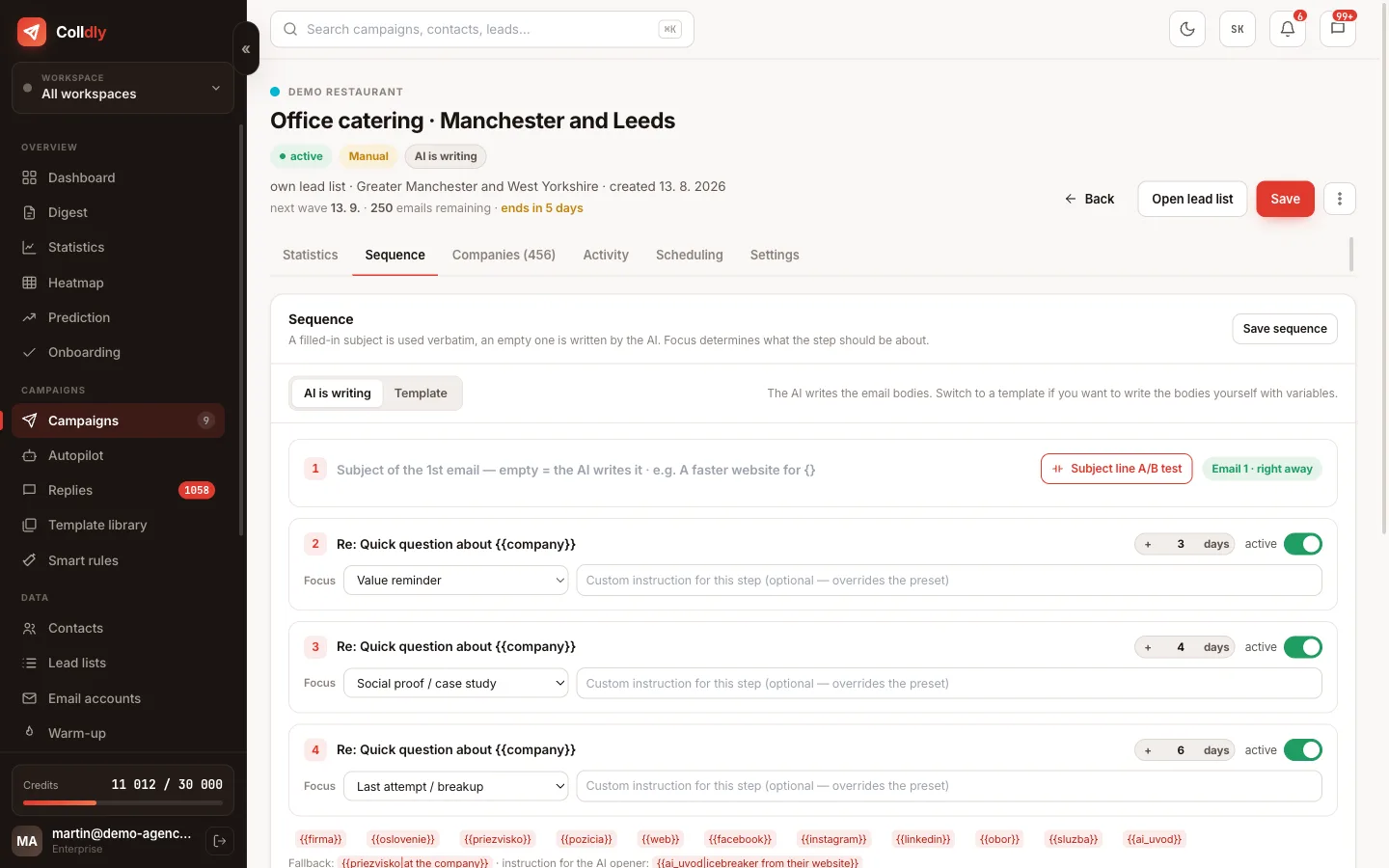
The AI does not write as it pleases. You set the frame in the campaign settings and it applies to every email in it.
Templates with variables, when you want to write yourself
Not everyone wants to leave the copy to the AI, and that is legitimate. Colldly therefore also has a template mode: you write your own wording and insert variables that are filled in for each specific company, such as name, industry, town and website.
The combination of both approaches is interesting. In a template you can leave a variable for a personalised opening written by the AI and keep the rest of the email under word-for-word control. You get a uniform structure with a tailored opening, which in practice is the most reliable ratio of quality to control.
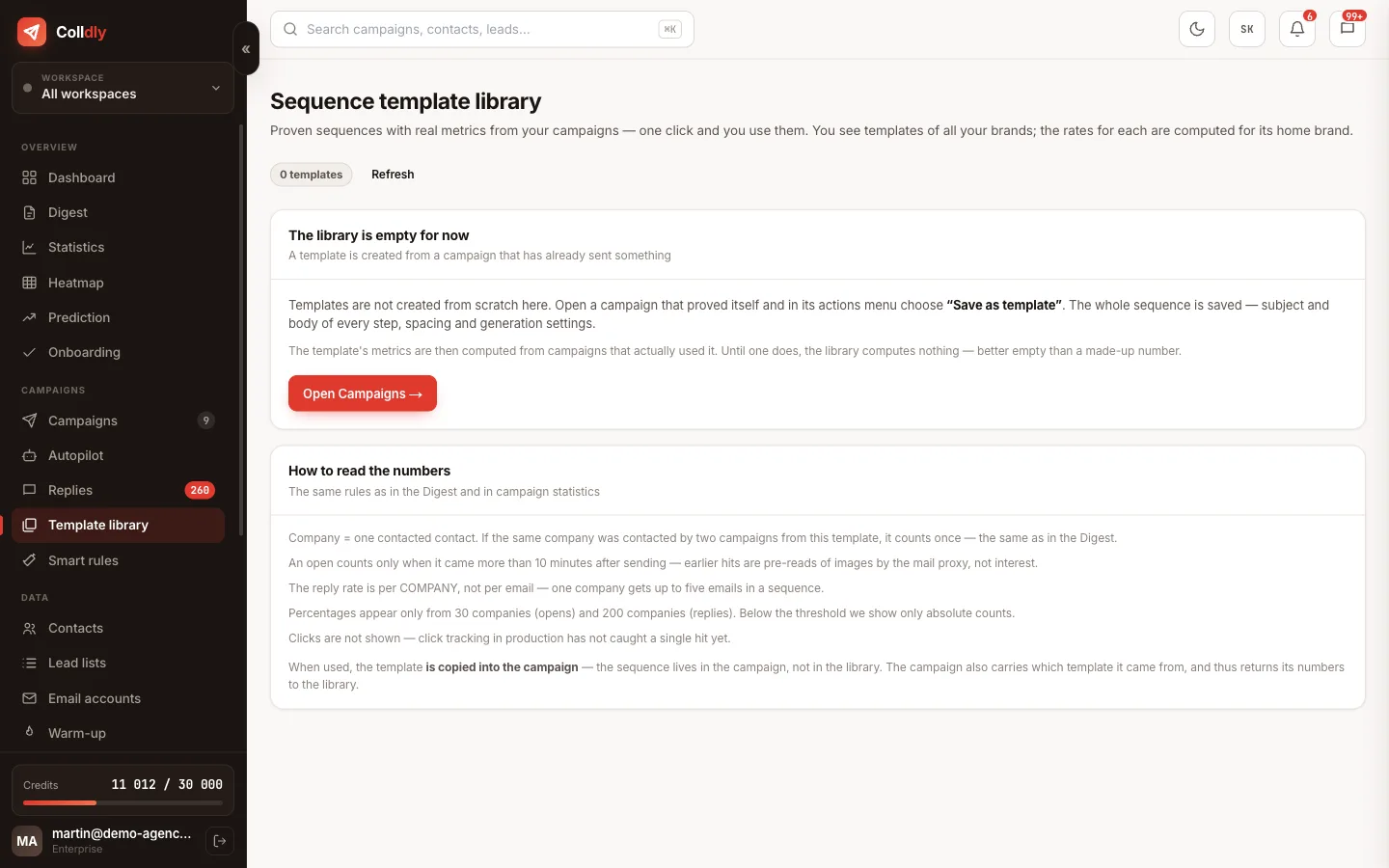
Proven wordings go into the library of sequence templates, and you launch the next campaign from them with one click, including the gaps and tone.
How generation works
From the click to a ready campaign.
Why follow-ups are generated at the last moment
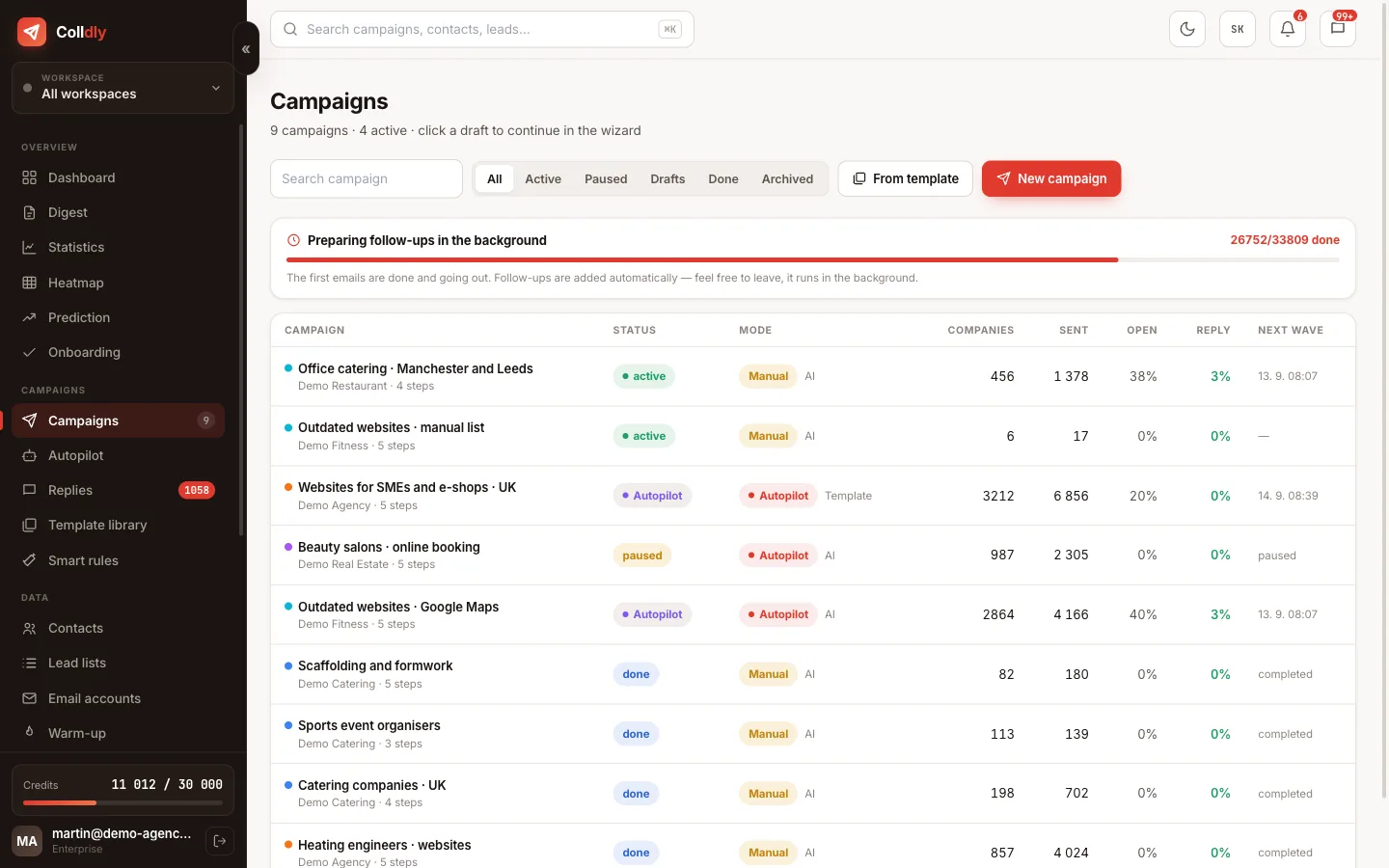
At first glance it would be simpler to generate the whole sequence at once. That has two drawbacks. The first is cost: with a four-step sequence to a thousand companies you would pay for four thousand emails, although a large share of recipients reply to the first one and never receive the next steps.
The second is quality. A follow-up written a month ahead does not know what happened in the meantime. One written the day before sending already knows the state of the thread and can build on the previous step instead of repeating it in different words.
The practical consequence: your credits last considerably longer than the number of steps in the sequence would suggest.
Helpers around writing
Features that do not write the email itself but considerably shorten the path to it.
What this feature does not do
So you know exactly what you are buying: these are deliberate limits, not bugs.
Frequently asked questions
Will the recipient notice the email was written by AI?
With a well filled-in offer profile, usually not. The emails are short, specific and free of the turns typical of generated text. Most of the replies that come in react to the content, not to who wrote it.
How many credits does one email cost?
Generation is charged in credits according to the plan; exact values are in the pricing. Follow-ups are generated right before sending, so you do not pay for steps that never go out.
Can I switch the AI off completely and write everything myself?
Yes. In template mode you write the whole wording yourself and use only variables. The AI then does not touch the copy at all.
How do I make the emails sound like me?
Set the tone and length, write in the offer profile how you normally talk about your work, and add a custom instruction with the phrases you use. After the first wave go through the replies and refine the profile.
What happens with companies that have no website or description?
The system flags them before generation. You can drop them or send them a less personalised version. The decision is yours, but credits are not spent blindly.
Can the AI also write replies to received emails?
You write the replies in Unibox yourself. Deliberately: a conversation with an interested prospect is the moment where a human should be behind the text.
Can each sequence step have a different style?
Yes, every step can have its own instruction and its own template. Typically the first email is the shortest and the next ones bring a concrete sample.