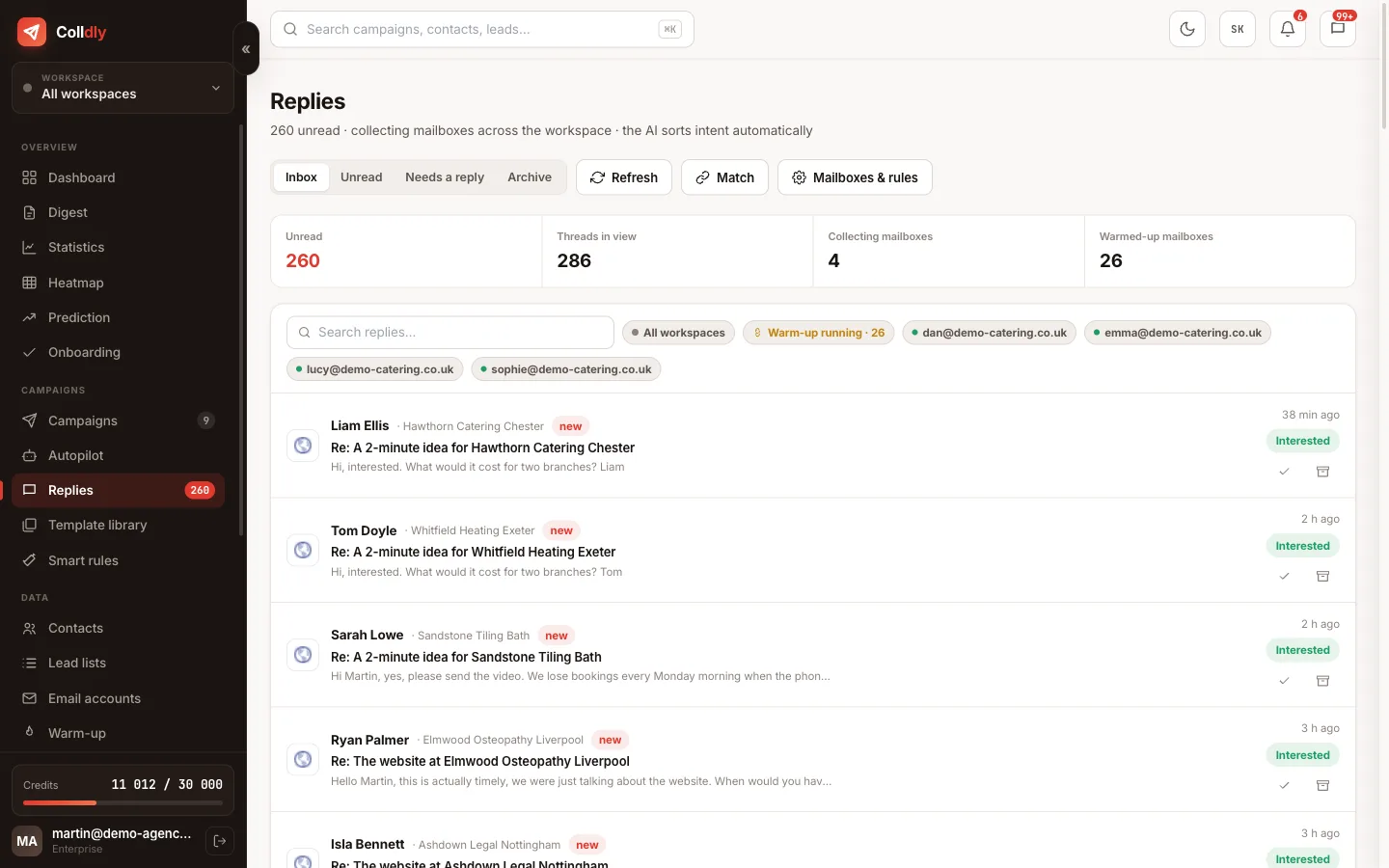
Unibox collects replies from all mailboxes and campaigns in one place and the AI sorts them by intent. Without a routine it still fills up: hundreds of replies a week, out of which you need the ten that show interest.
The routine has five steps in a fixed order. The order matters: business first, then questions, then tidying up.
The Interested filter first
Open Unibox and switch on the "Interested" filter. These are the only replies that deserve your attention first. Handle each one right away: reply, book a slot or call. The goal is zero unanswered interested replies by 10:00.
Reply from the app, in the same thread
You write the reply directly in Unibox; it leaves from the same mailbox in the same thread. The reader sees the full history and cannot tell there is a system behind it. The sequence for this company is stopped automatically.
Questions and "later"
"Question" filter: answer briefly, factually, with a next step. "Later" filter: set a reminder for the date they mentioned and archive the thread. Do not write "just checking in" a week later.
Forward what is not yours
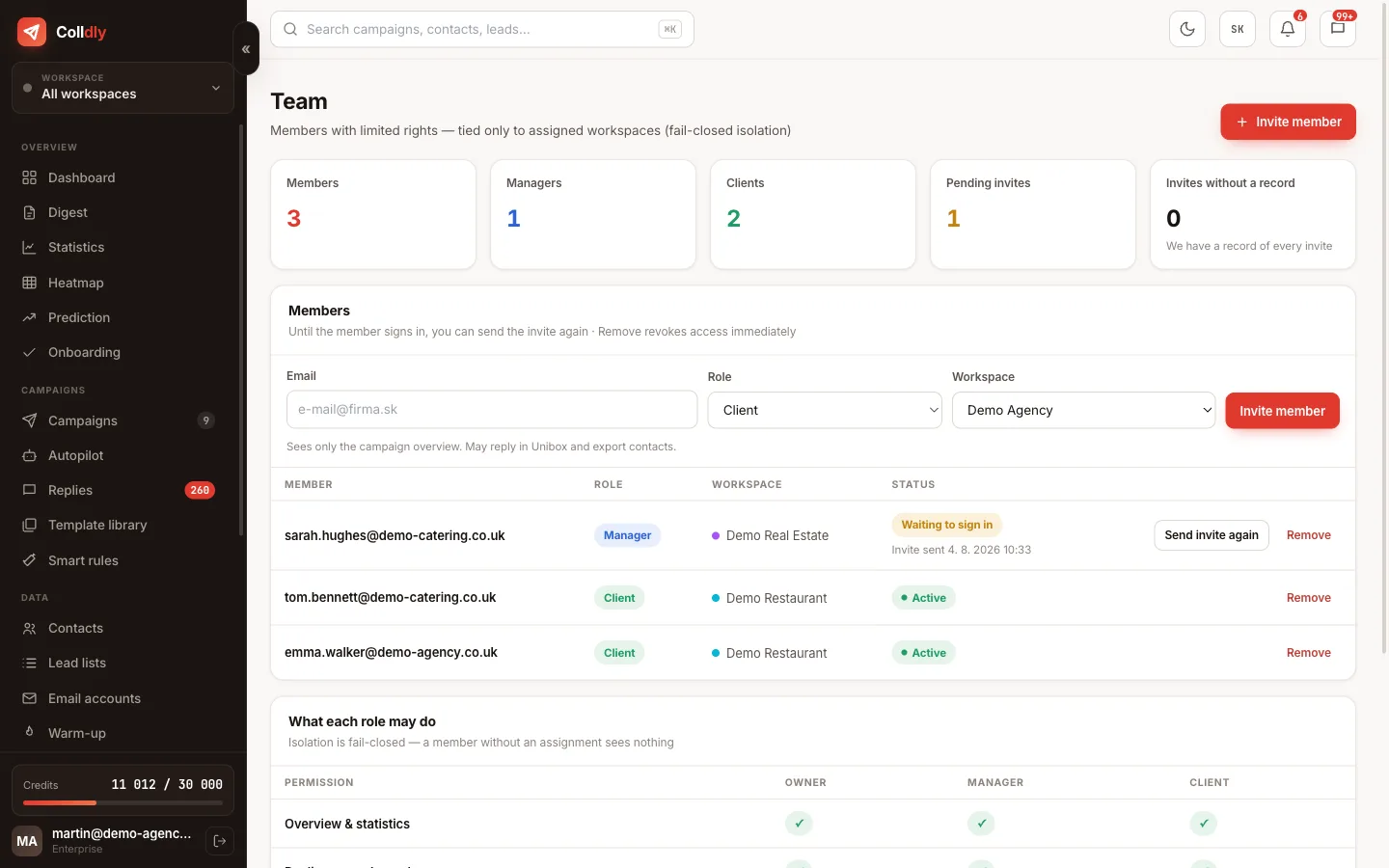
A thread a colleague or client should handle is forwarded from Unibox with one click. No forwarding through webmail and no copying of history.
Refusals and unsubscribes
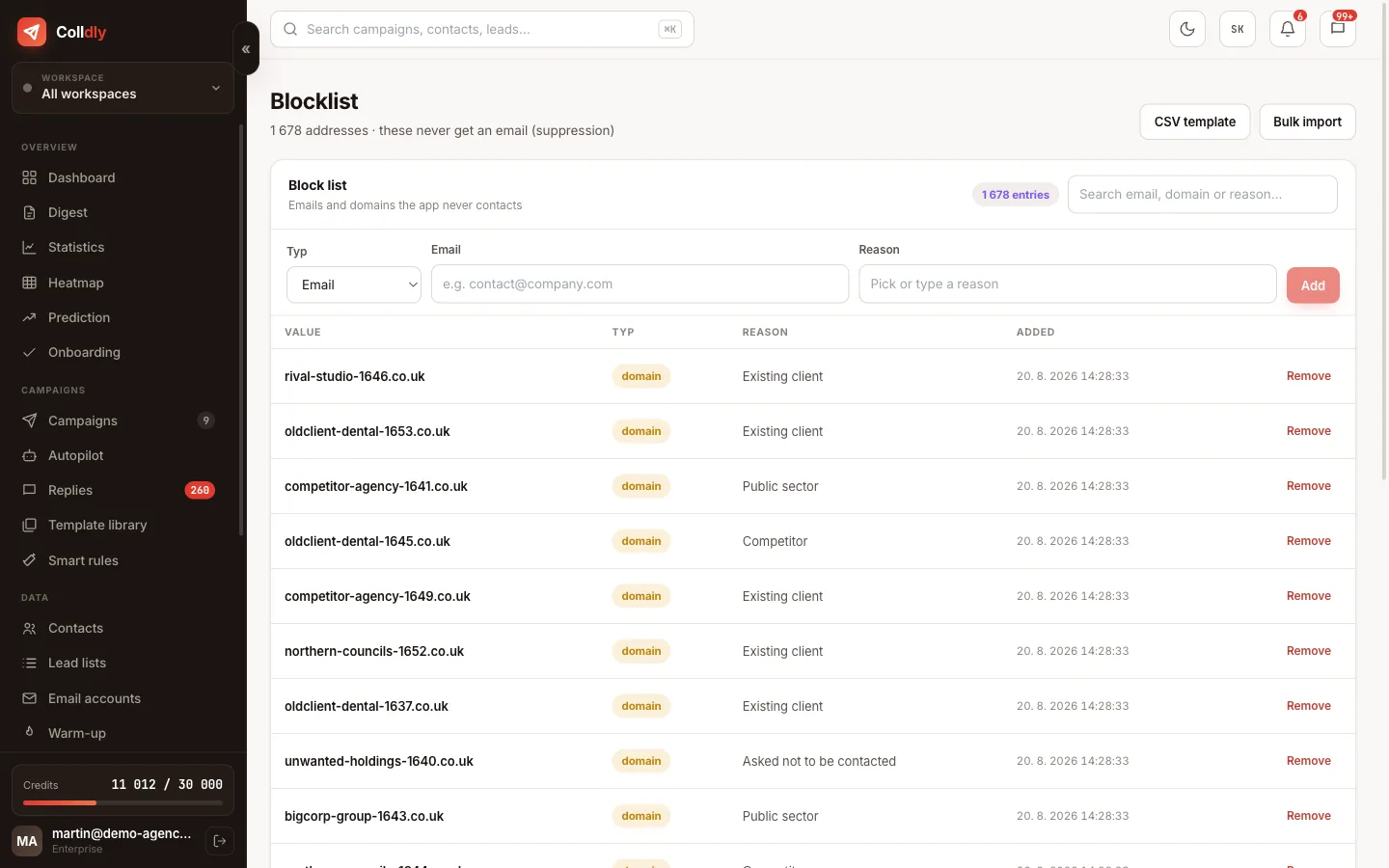
Archive refusals in bulk. "Please stop emailing me" requests are handled by the AI, which puts the address on the blocklist; just check nothing slipped through. Out-of-office replies are filtered by rules.
Look at the day's numbers
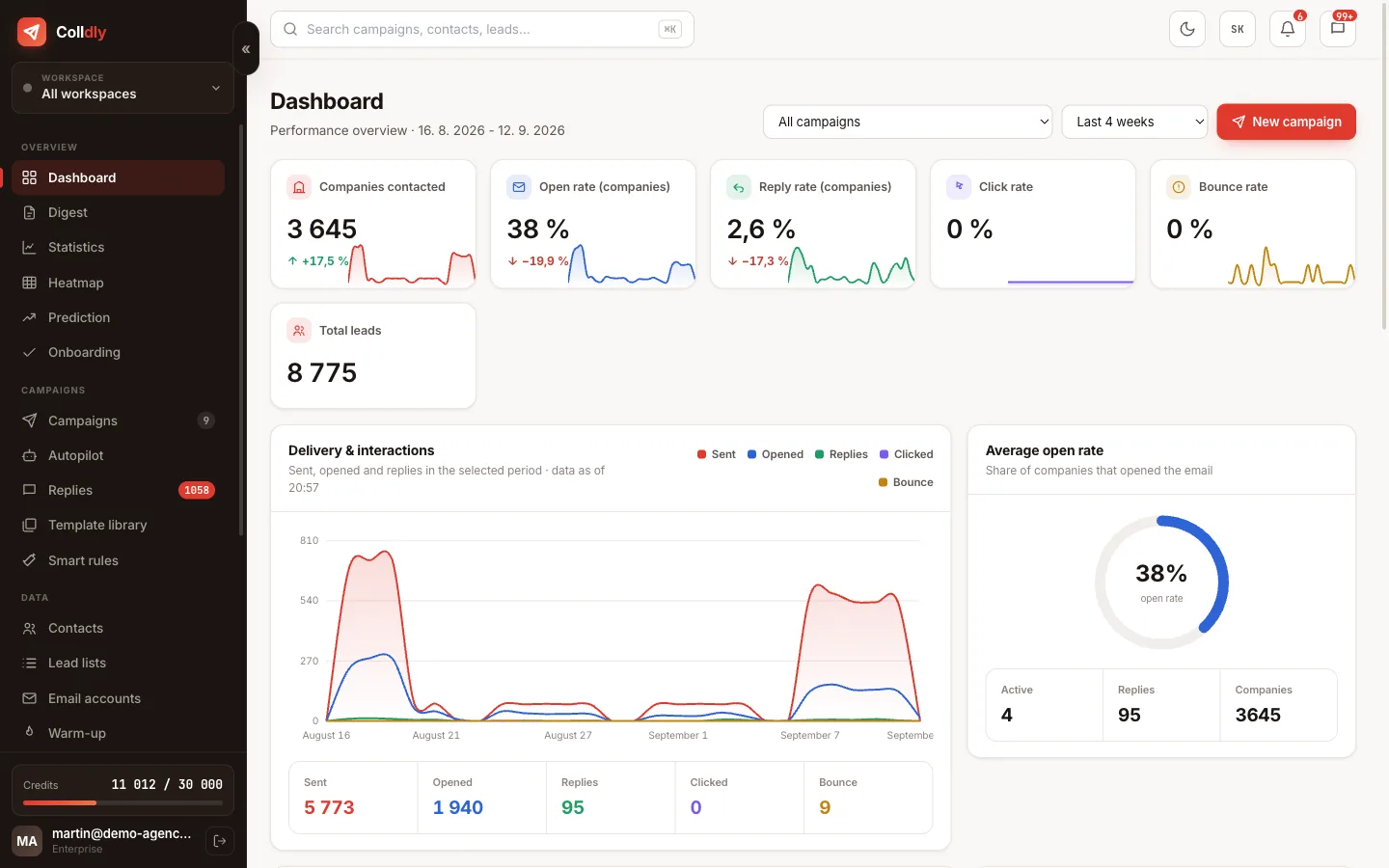
Finish on the Dashboard: how many replies came in, what share was interest, which campaign delivers. If interest drops two weeks in a row, it is time for a new lead list or a different angle.
- The Interested filter is empty by 10:00
- You reply from the app, not from webmail
- Questions have a next step, "later" has a date
- Other people's threads are forwarded
- Refusals archived, unsubscribes on the blocklist
- A look at the dashboard once a day