All guides
10 min read·Intermediate·6 steps·4 screenshotsScaling and agencies

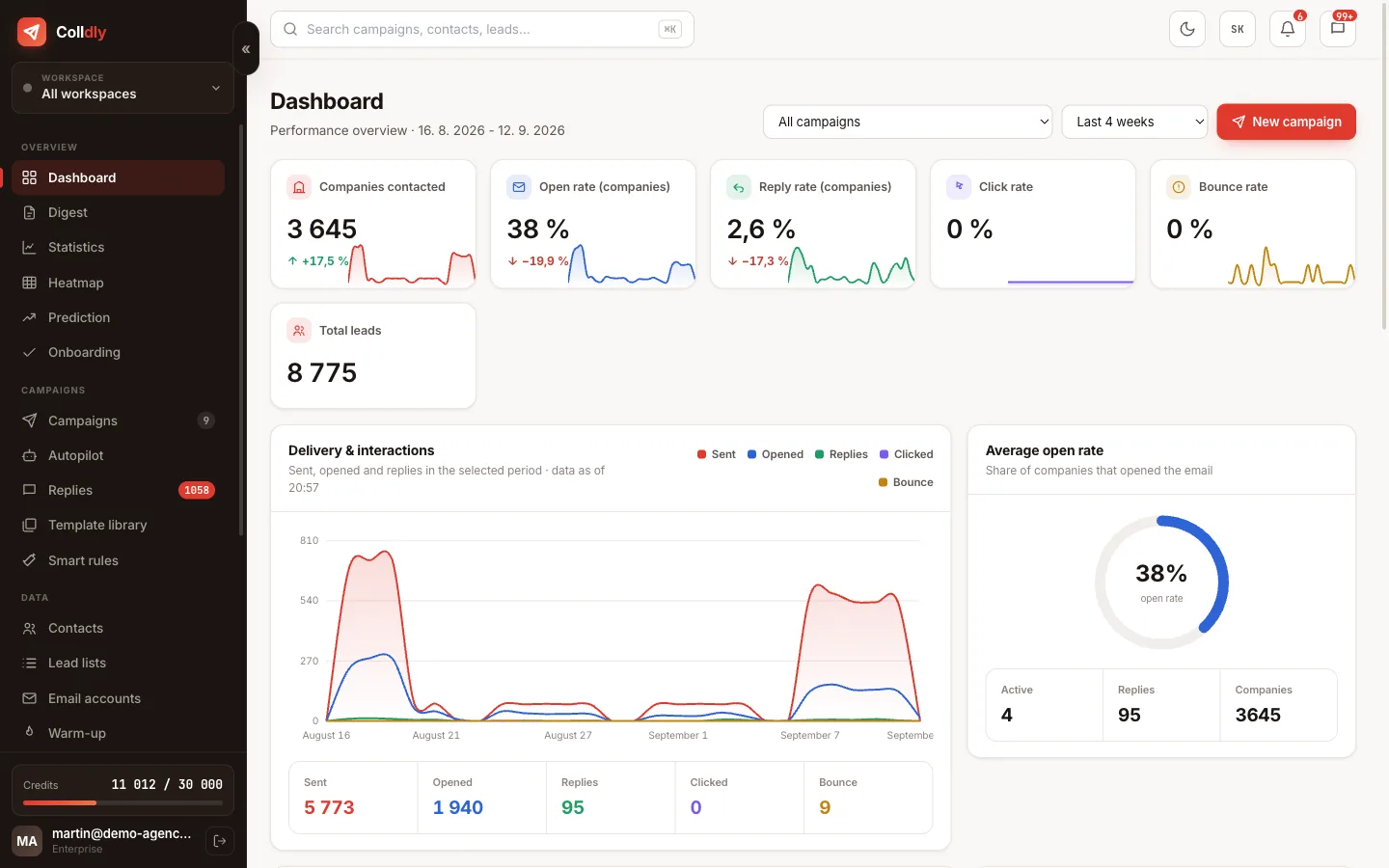
How to scale from 50 to 500 emails a day

Scaling does not mean sending more from one mailbox. It means adding mailboxes and spreading the volume so that none exceeds its safe cap.

Scaling is not raising the limit from 50 to 500. It is adding mailboxes and domains in waves, rotating them, watching deliverability at every jump and having the capacity to answer. Skip a step and you scale straight into spam.

This guide assumes you have a proven message (at least 3% replies on the first 200 companies) and want ten times the volume.

1

First confirm the message works

Scale only once you have a decent reply rate on a small sample. Raising volume with bad copy only means wasting contacts faster.

2

Count on a cap per mailbox

Count on up to 50 cold emails a day per warmed-up mailbox. A target of 500 a day therefore means roughly ten mailboxes, ideally across several domains.
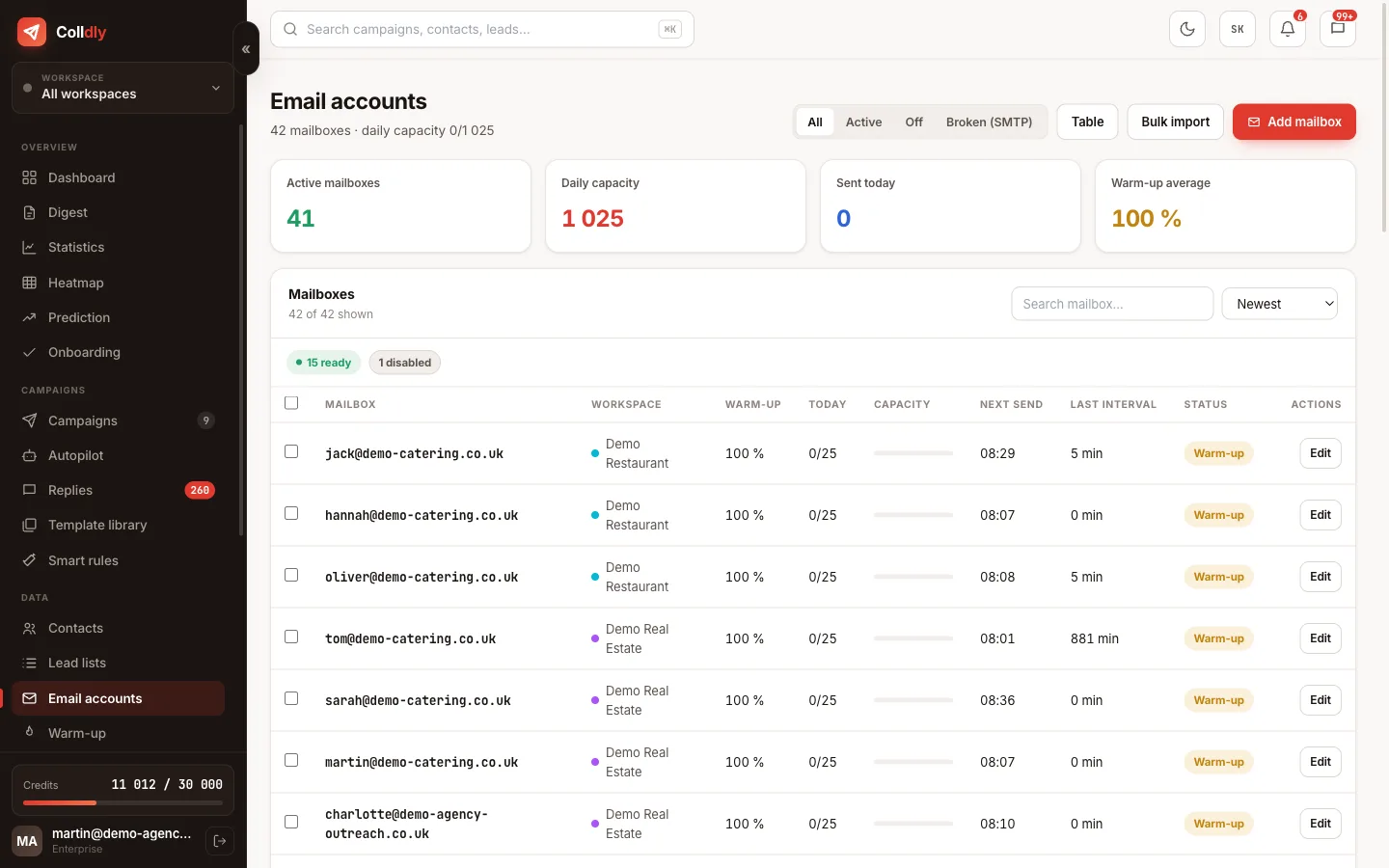
colldly.com/dashboard › Email accounts
Mailbox capacity in Colldly: daily limits and gaps
3

Add mailboxes in waves

Add new mailboxes continuously and let each one warm up. While they warm up, campaigns keep running on the existing ones.
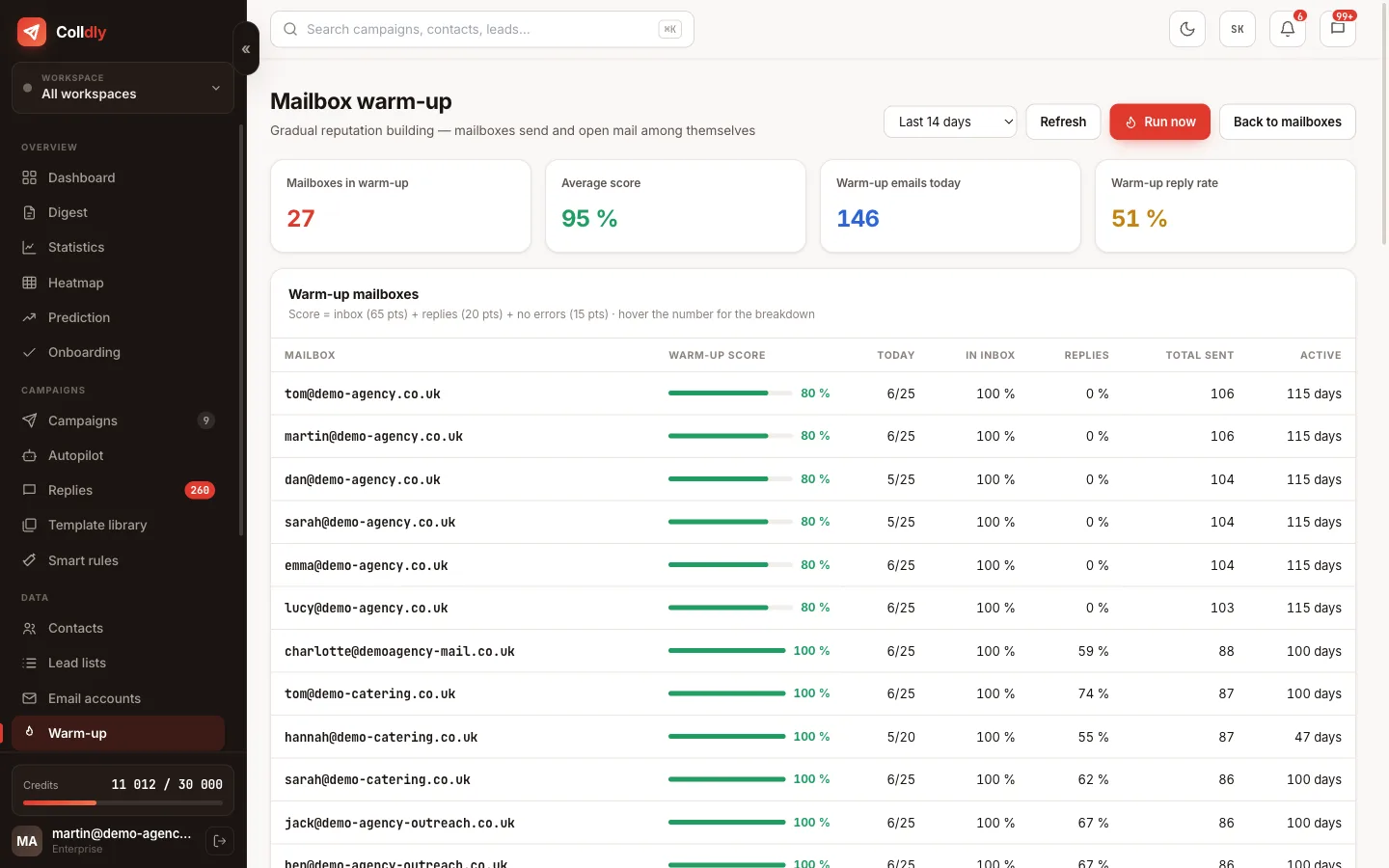
colldly.com/dashboard › Warm-up
Warming up new mailboxes in waves in Colldly
4

Turn on rotation

The campaign then alternates mailboxes and spreads the volume on its own. You manage the total number, the system makes sure no address exceeds its cap.

5

Watch deliverability at every jump

After every volume increase watch bounces and open rate. If they worsen, step back and wait for the numbers to settle.
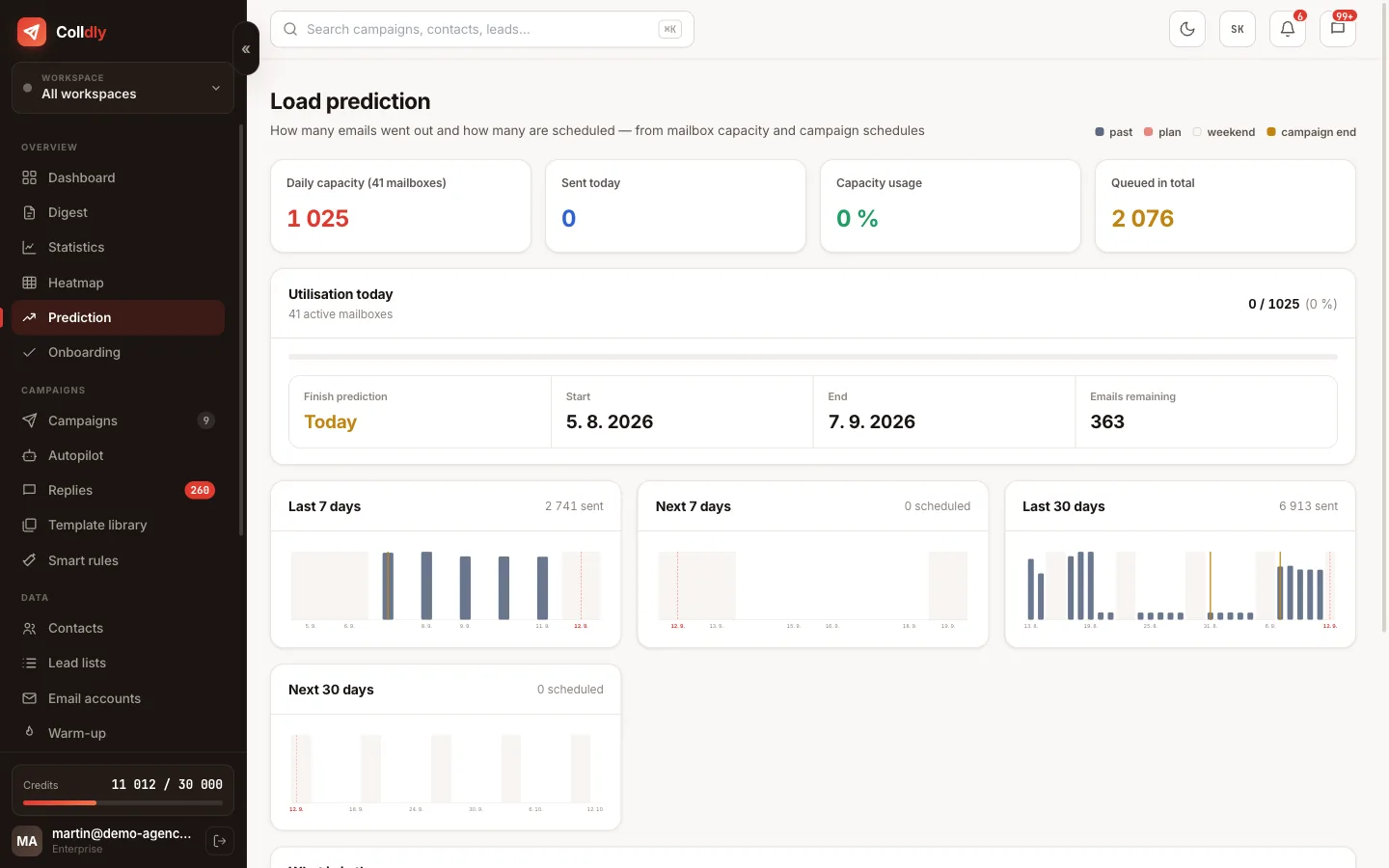
colldly.com/dashboard › Forecast
Load forecast in Colldly: how many emails leave in the coming days
6

Don't forget reply capacity

Five hundred emails a day also means dozens of replies. Prepare who will handle them; an unanswered reply is worse than an unsent email.
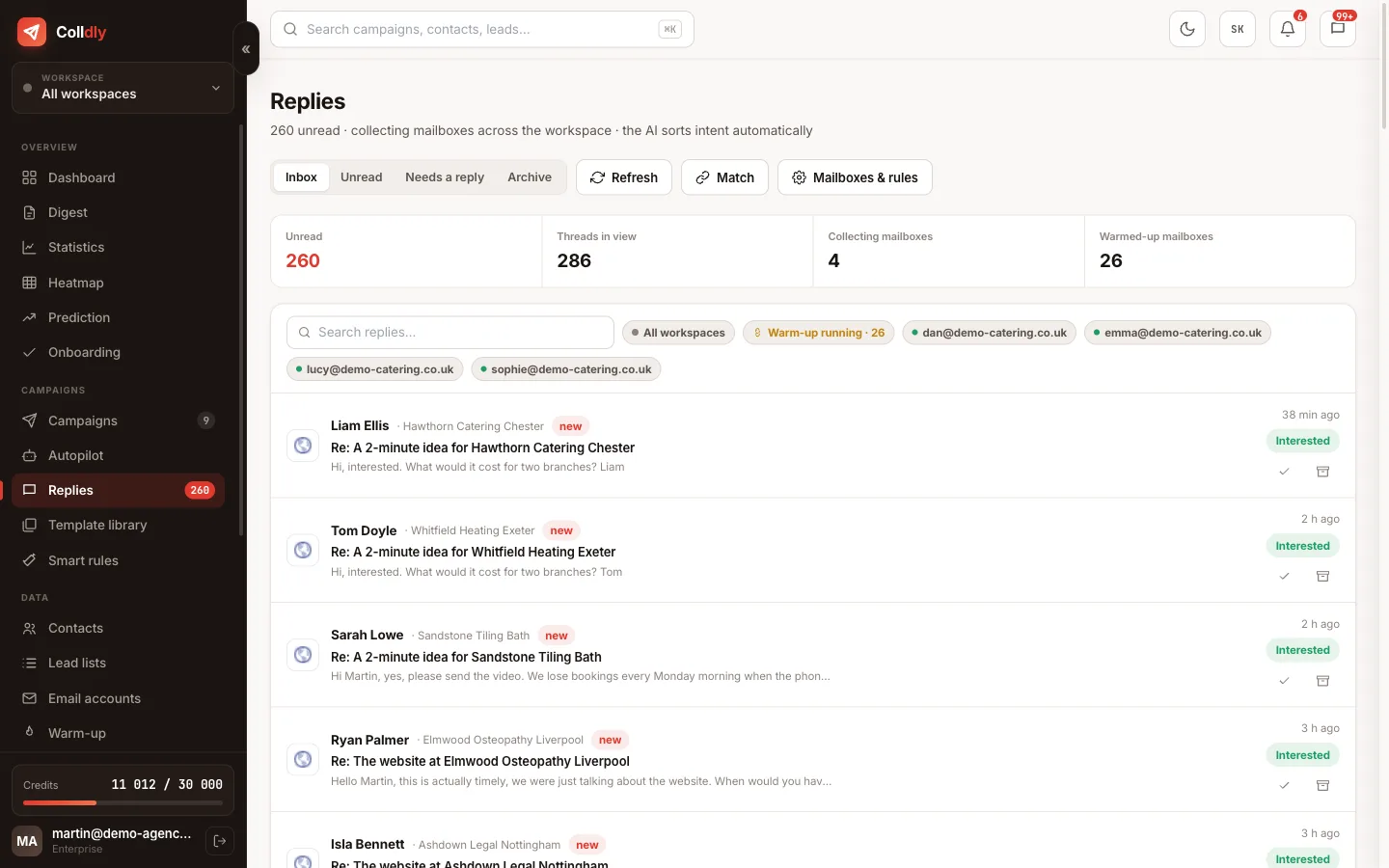
colldly.com/dashboard › Unibox
Unibox in Colldly with replies sorted by intent
What to avoid
Raising one mailbox to 200 a day. It looks like spam and gets blocked.
Adding 15 mailboxes on one domain. One problem takes down all of them.
Scaling before the message is proven. Ten times zero is zero.
Checklist
  • The message is proven on a small sample
  • You plan for a ceiling of 30 to 50 emails per mailbox per day
  • Mailboxes are added 3 to 5 at a time, each with warm-up
  • The campaign rotates mailboxes across 2 to 3 domains
  • After every volume jump you watch deliverability for a week
  • You have capacity to answer 30 to 60 replies a week
Questions about this guide
How many mailboxes for 500 emails a day?
12 to 15 warmed-up mailboxes at a limit of 40 each, on three domains. The Agency plan has unlimited mailboxes.
Can I raise one mailbox to 200?
Technically yes, practically no. A mailbox sending 200 cold emails a day looks like spam and filters block it. Add mailboxes, not limits.
How do I handle replies at 500 a day?
At 5% that is 25 replies a day. Unibox with intent sorting and Smart rules handle the triage, but a person has to answer the interested ones. Plan an hour a day.
Continue with
Next guide in order: The offer profile: five fields that decide the quality of every email
Start today

Colldly does all of this for you

It finds the companies, writes personalised emails, guards deliverability and puts the replies into one inbox. Start for free, no card.

Start for free
No credit card · First 200 credits free · Cancel anytime