All guides
12 min read·Intermediate·6 steps·5 screenshotsScaling and agencies

Agencies: a client campaign from workspace to report

Five clients, five brands, five blocklists and zero mixing. This guide shows how an agency sets up a client campaign so the client checks results themselves and you scale without chaos.

Agency cold email fails on two things: mixed data (client A's contact emailed on behalf of client B) and reporting (hours in spreadsheets every month). Workspaces solve the first, client access the second.

The procedure is the same for the second and the twentieth client. The first takes an hour, the rest twenty minutes.

1

Create a workspace for the client

Every client gets their own space: name, colour, own mailboxes, campaigns, lead lists and blocklist. Contacts (the mini-CRM) are deliberately shared so you can see who any of your brands has already contacted.
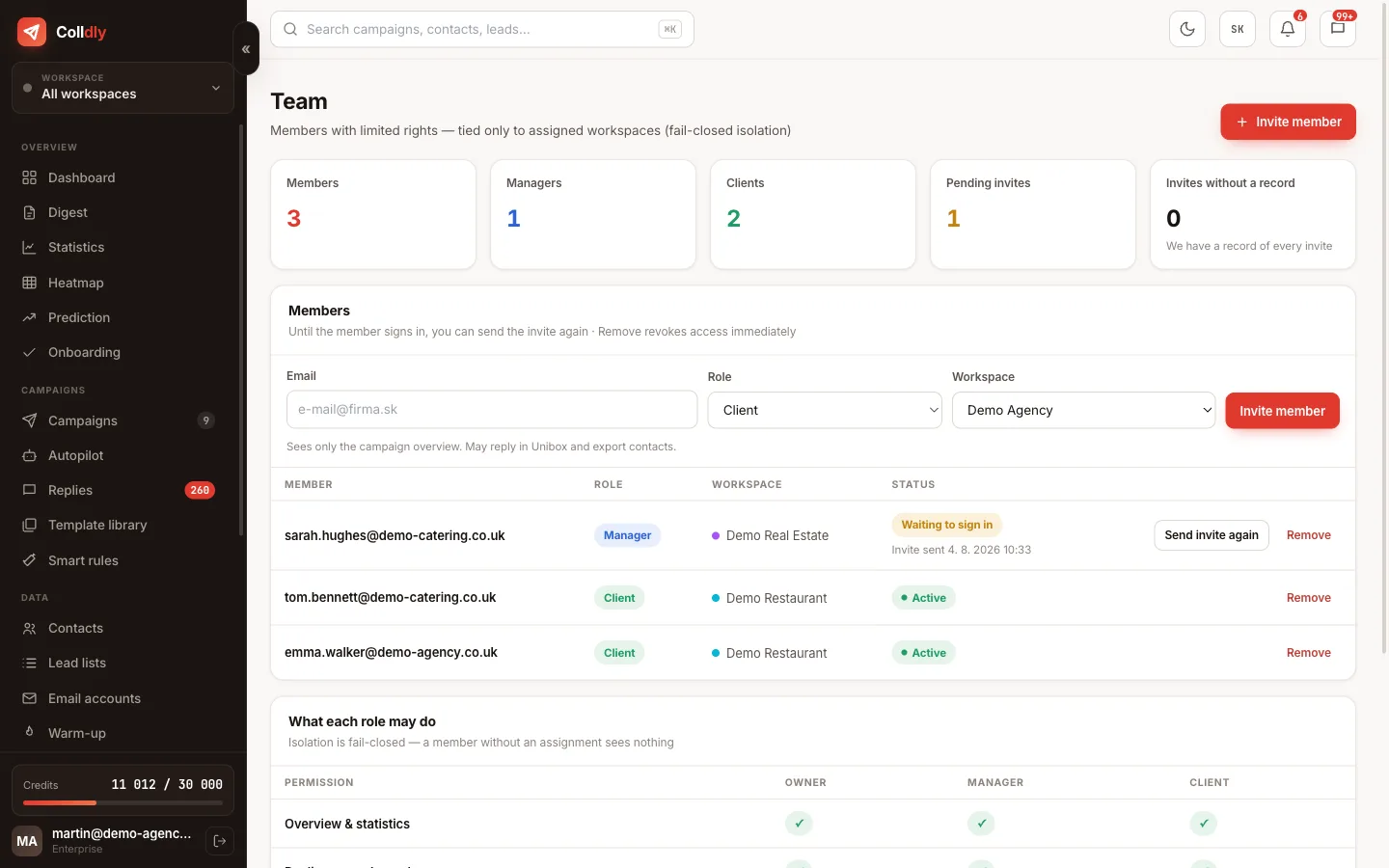
colldly.com/dashboard › Team
Team and workspaces in Colldly: members, roles and assigned brands
2

Connect the client's mailboxes

Send from the client's domains (secondary domains of their brand), not yours. Reputation and replies belong to them and stay with them after the engagement ends. Switch on warm-up right away while you prepare the rest.
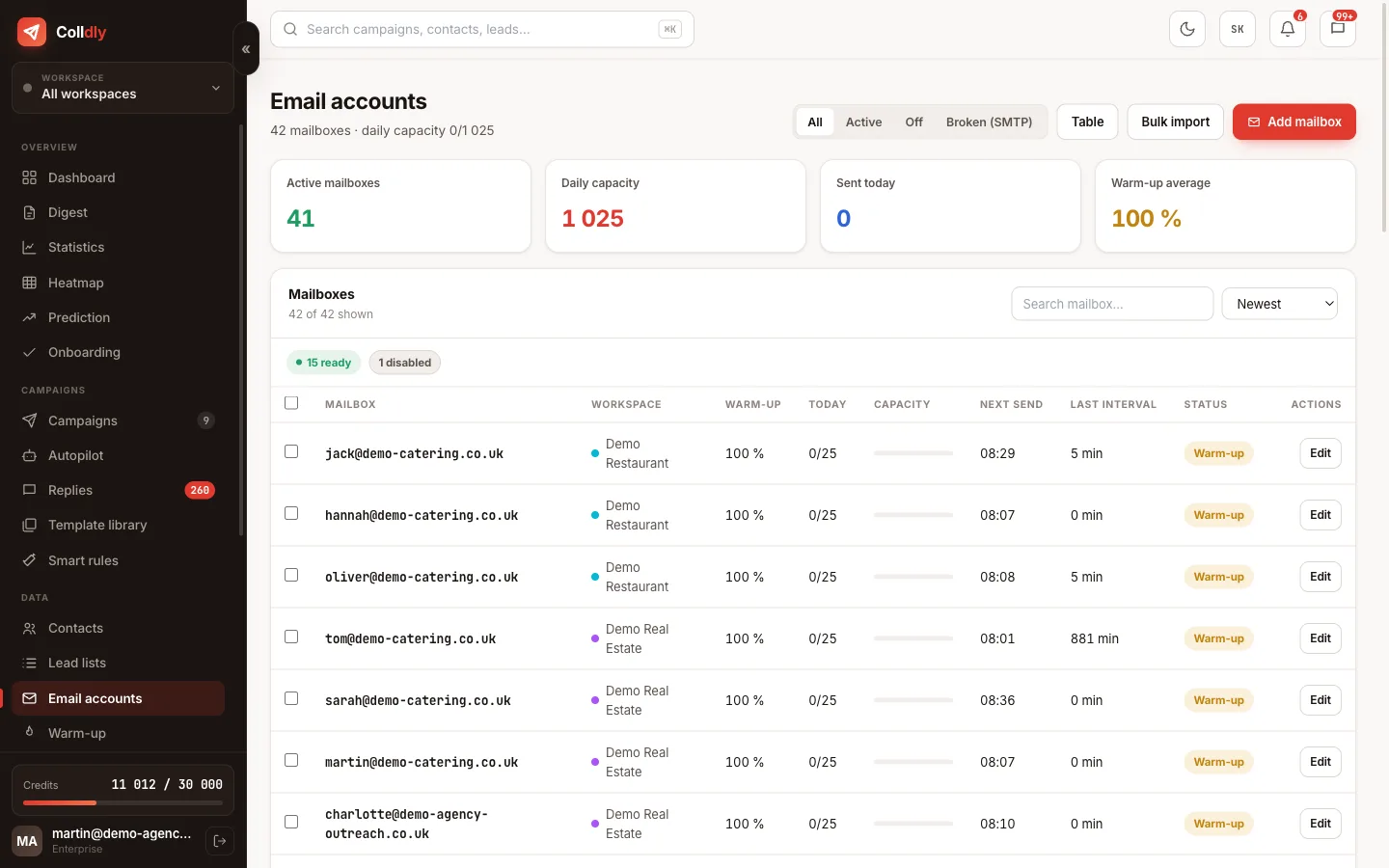
colldly.com/dashboard › Email accounts
Email accounts in Colldly assigned to a client workspace
3

Offer profile and target group with the client

Fill in the offer profile together with the client on one call: what they sell, to whom, the proof. You know what works in email, they know what works with their customers. Narrow the target to one industry and area.

4

Invite the client as "client"

The client role sees the campaigns and replies of their workspace read-only and cannot change or send anything. The invitation goes by email, the client creates an account and sees what is happening from day one. Monthly spreadsheet reports are over.

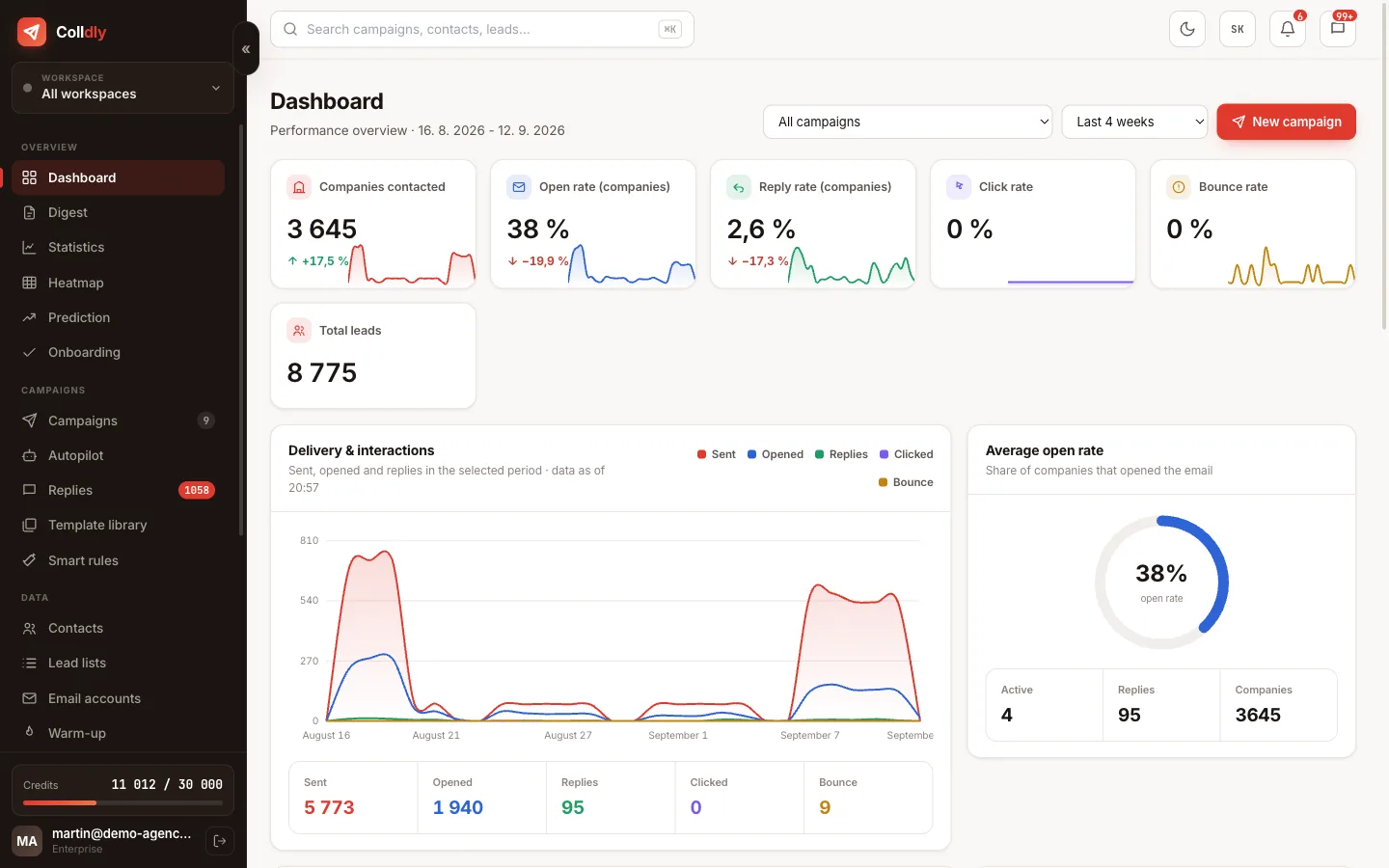
colldly.com/dashboard › Overview
The Colldly dashboard a client sees in their workspace
5

The manager replies, you oversee

The manager role runs the assigned brands and answers in Unibox. The owner sees everything and compares brand performance in the statistics. Forwarding a thread to the client is one click.
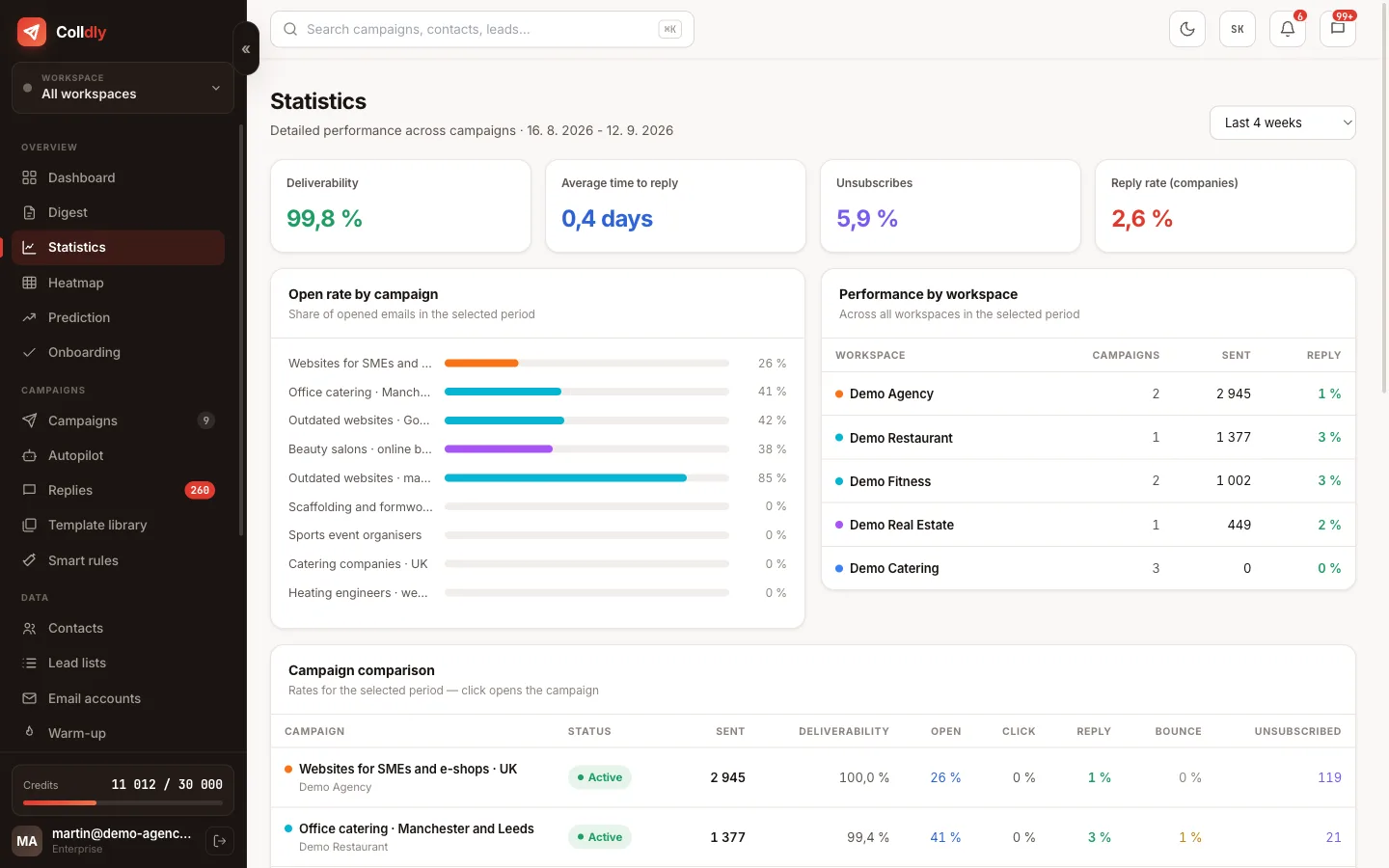
colldly.com/dashboard › Statistics
Performance per workspace in Colldly statistics
6

Autopilot for the client

When the campaign has delivered for two weeks, switch on Autopilot from the client's lead list with a daily cap. The client sees companies being added every day; you stop topping up by hand.
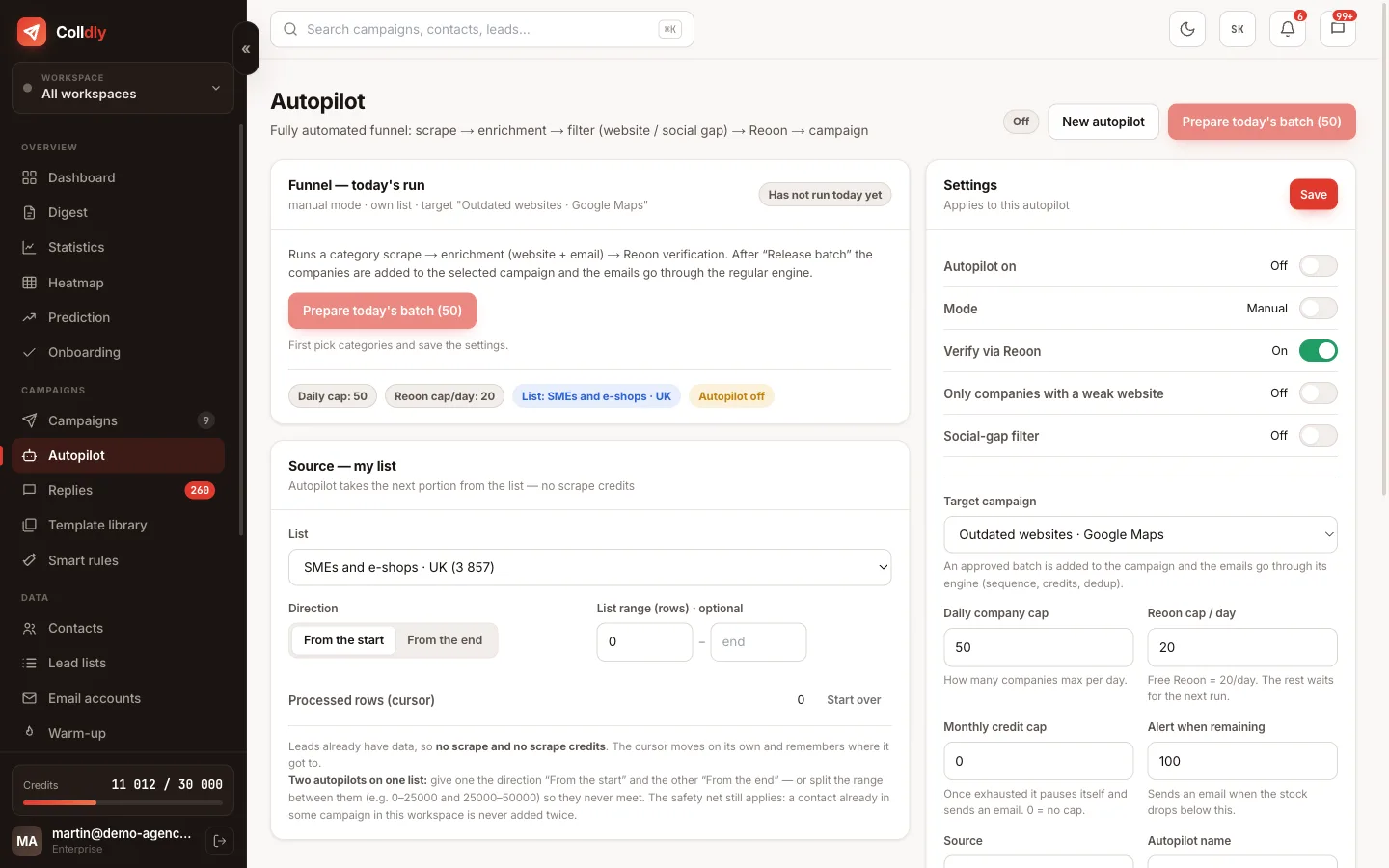
colldly.com/dashboard › Autopilot
Autopilot in Colldly configured for a client workspace
What to avoid
Sending on the client's behalf from the agency's own mailboxes. When the engagement ends they keep nothing.
Giving the client the manager role. They change the sequence mid-campaign and the numbers fall apart.
Setting the target group without the client. You do not know their market as well as they do.
Checklist
  • Client workspace with its own colour and blocklist
  • Mailboxes on the client's domains, warm-up running
  • Offer profile filled in together with the client
  • Client invited with the client role
  • Manager assigned to the workspace
  • Autopilot from the client's list after the campaign is proven
Questions about this guide
Do I pay per client?
No. The Agency plan includes 30 campaigns, unlimited mailboxes and workspaces with no per-user fee. Invite clients and colleagues as needed.
Can client A see client B's data?
No. Isolation is fail-closed and checked on the server on every request. A member with no assigned brand sees nothing.
How do I hand a campaign over when a client leaves?
Campaigns, mailboxes and replies are in their workspace. You export their data, or the workspace stays with them if they take over the account.
Continue with
Next guide in order: Smart rules: follow-ups based on what the recipient did
Start today

Colldly does all of this for you

It finds the companies, writes personalised emails, guards deliverability and puts the replies into one inbox. Start for free, no card.

Start for free
No credit card · First 200 credits free · Cancel anytime