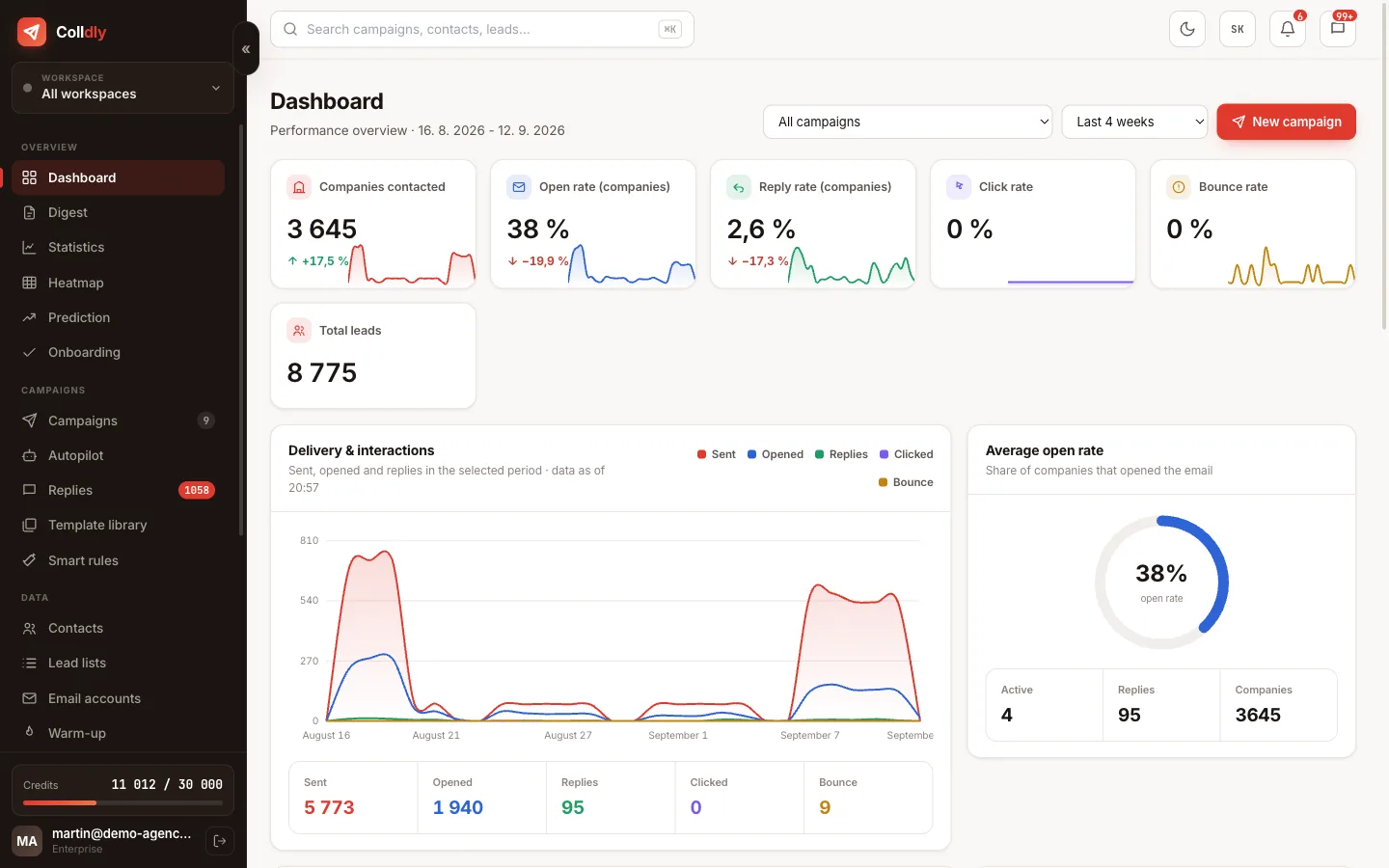
The most expensive part of cold email is not the tool or the copy. It is the time spent finding companies and their contacts: hours of switching between directories, maps and websites, copying into a spreadsheet and manually checking whether the address even exists.
Big lead databases do not solve this problem for smaller companies. They are built on large firms and on LinkedIn, so a joinery or a car service in a smaller town is simply not in them.
Colldly searches where small and mid-sized companies really are: on maps, in local directories and on their own websites.
Where the data comes from
All of these are publicly available sources. For every contact you know where it came from.
The filters that decide the quality of the list
A list of a thousand companies is worse than a list of two hundred if those thousand have no reason to reply. That is why most of the work is in narrowing the selection, not widening it.
You can narrow geographically, to a town, district or region, which is essential for a local offer because it lets you mention a reference from nearby. Then by industry, where the rule is one industry equals one campaign; otherwise specific copy cannot be written.
The most interesting filters, however, are by signal. If you build websites, you can filter companies with an outdated or missing website. If you sell social media management, the system evaluates the quality of profiles and sorts out those with room for improvement. You then contact companies with a visible problem that you solve, and that is the difference between an offer and a nuisance.
From the request to a finished list
Lead lists and contacts: two different tools
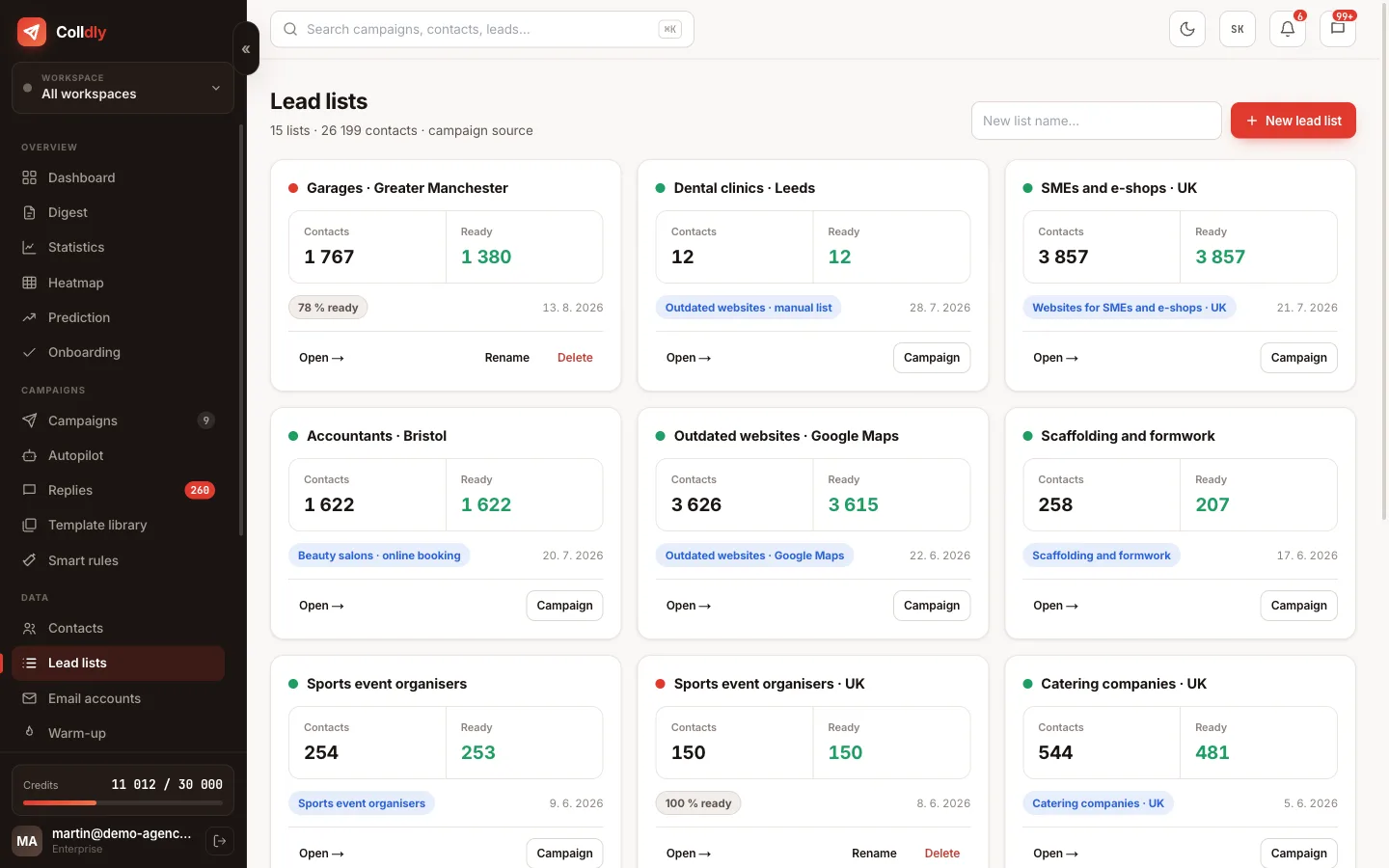
A lead list is a working list for a specific campaign. It comes from one collection, can be filtered, cleaned and exported, and is attached to a campaign. When you try a segment and it does not work, you throw the list away and nothing happens.
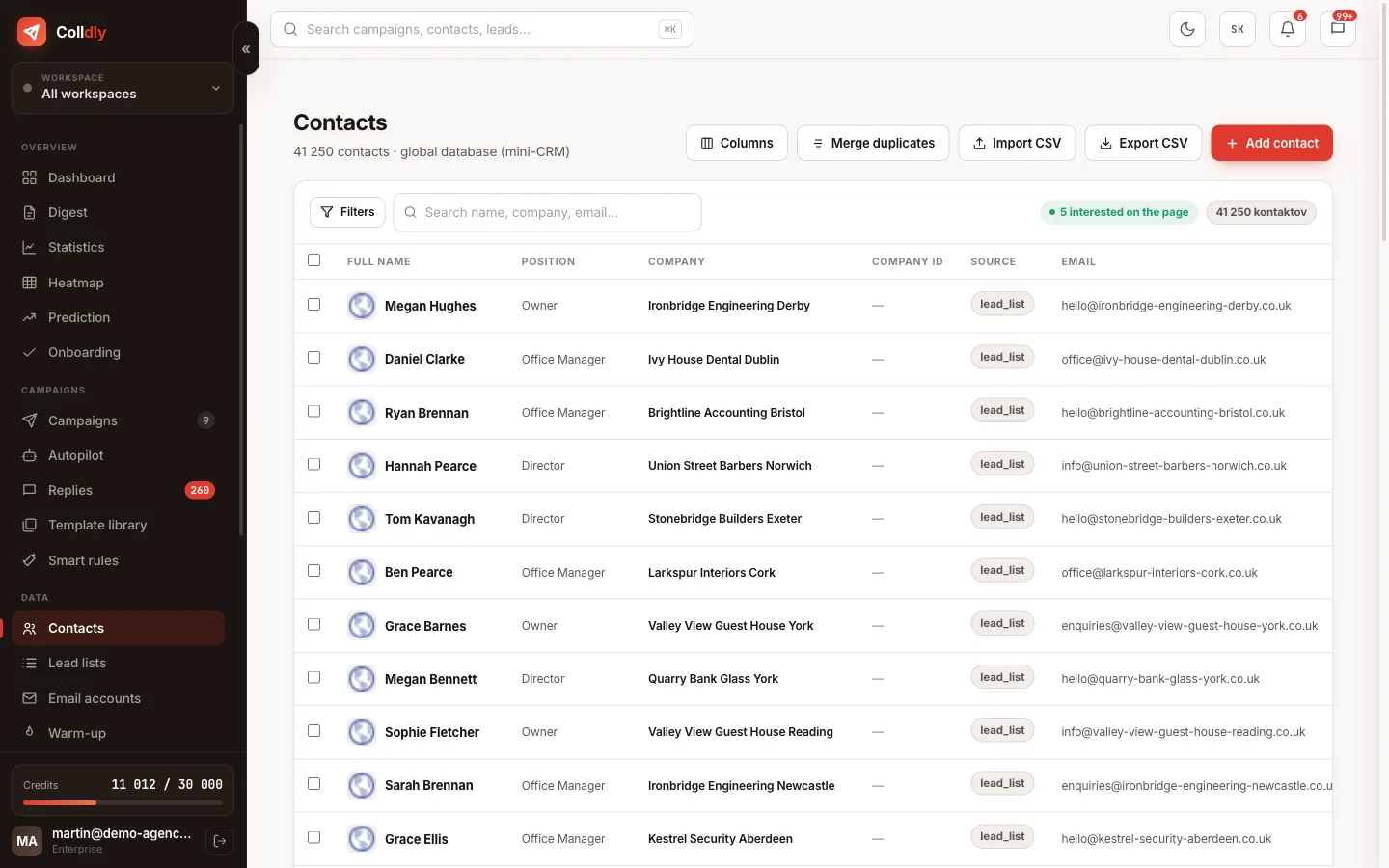
Contacts are something else: a mini-CRM that spans all your brands. There you see whom you have already contacted, when, in which campaign and how it went. That is exactly why you never end up contacting the same company again six months later with the same offer.
You can upload your own lists via CSV. They go through the same verification as found companies, so an old list from a conference gets cleaned before sending.
What this feature does not do
So you know exactly what you are buying: these are deliberate limits, not bugs.
Frequently asked questions
Is contacting companies obtained this way GDPR compliant?
In B2B communication to business contacts from public sources, outreach relies on legitimate interest. The conditions are a relevant offer, clear identification of the sender and an option to unsubscribe. We cover it in detail in the GDPR guide.
How many companies do I find per request?
Depending on the industry and region, typically hundreds. With the directory you see the number of companies in a category before starting the collection, so you know what you are getting into.
Do I pay for companies without an email?
No. You are charged for contacts that pass enrichment and verification, that is those you can actually work with.
Can I download the list?
Yes, export is part of the paid plans. The data is yours and you can take it with you.
How do I avoid contacting an existing client?
Add them to the blocklist. The system skips their email and the whole domain in all campaigns of that brand.
Which countries does it cover?
Google Maps collection works in 49 countries with geographic filtering: the UK, Ireland, the EU, the US, Canada, Australia and more. Local directories add extra depth in Slovakia and Czechia.