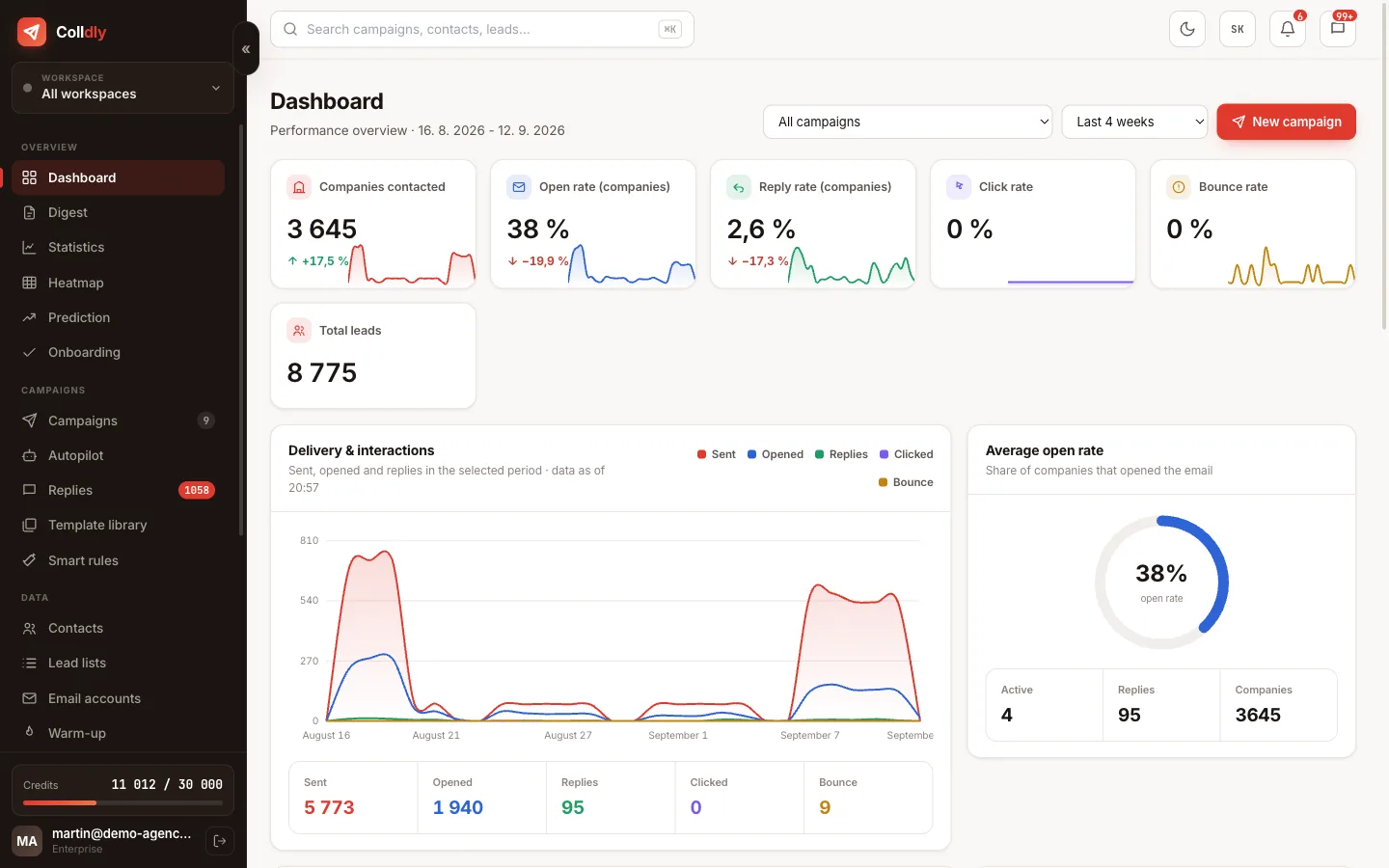
A campaign does not end with sending. On the contrary, that is when the part you launched it for begins. But replies arrive in five different mailboxes, ordinary mail gets mixed in, and after a week you cannot make sense of it.
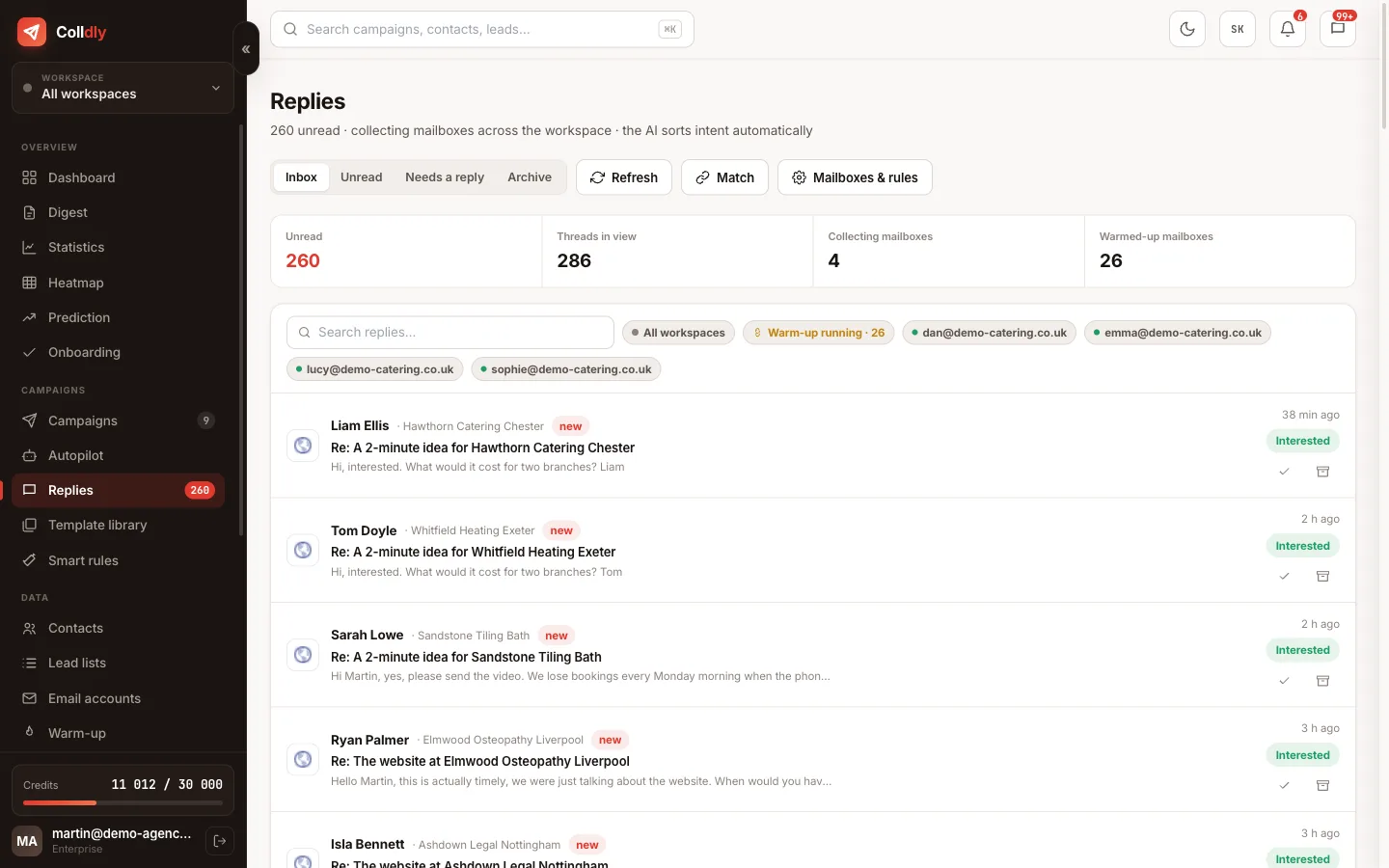
Unibox fixes this mess by collecting replies from the connected mailboxes into one place, pairing them with the campaign and the company, and flagging what type of reply it is.
How a reply gets into Unibox
At regular intervals the system connects via IMAP to the mailboxes you marked as collectors and pulls in new messages. It tries to pair each one with a specific sent email, not by guessing from the name but through the link to the message the reply belongs to.
Thanks to that you see the full context with every reply: which campaign, which sequence step and exactly what was sent to the company. The conversation shows as a thread including the original messages, so you never have to dig anything up.
Replies that cannot be paired, for example when someone writes from a different address, stay in the list marked as unpaired so they do not get lost.
How the AI sorts replies
Intent is evaluated automatically, so you see at a glance where the business is.
Collector mailboxes and why they pay off
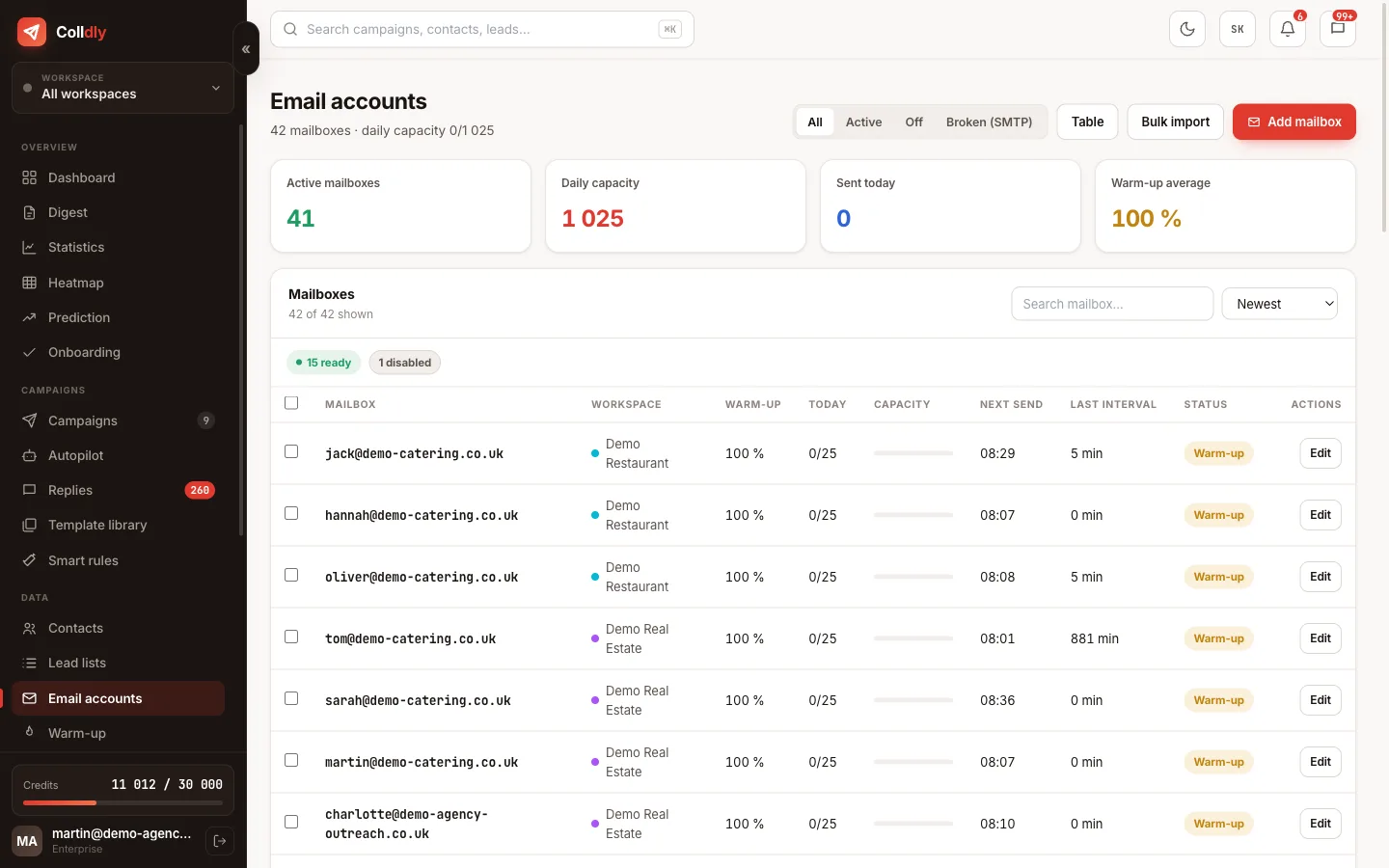
With rotation you send from several addresses, but replies do not have to arrive in the same number of mailboxes. You set one collector mailbox and replies from several sending addresses flow into it.
It has two advantages. A practical one: you watch one place instead of ten. And a technical one: the system needs to maintain fewer IMAP connections, so replies arrive faster even with a larger number of sending mailboxes.
Filtering rules then remove notifications, newsletters and automatic confirmations so that only what a human should read stays in the list.
A morning routine in five minutes
How to work with Unibox so replies do not bury you.
Why the AI does not write replies
Colldly can write the first email and the follow-ups, but it leaves the reply to an interested prospect to you. That is not an unfinished feature but a decision.
The first email is an approach to an unknown company, and personalisation in it replaces what you would otherwise research by hand. A reply, however, is already a conversation with a person who has shown interest, and that is the moment the deal is decided. An automatic reply that misses the question or promises something you do not mean can ruin a contact that cost you dozens of emails.
So Unibox solves what can be solved without risk: collection, pairing, sorting and order. The sentence itself you write, and that is how it should be.
What this feature does not do
So you know exactly what you are buying: these are deliberate limits, not bugs.
Frequently asked questions
Does a reply automatically stop the sequence?
Yes. When a company replies, the further steps of the sequence are cancelled for it. Out-of-office auto-replies are recognised and do not stop the sequence.
Can my client or colleague see the replies too?
Yes, via team roles. A client sees the replies of their brand, a manager those of the brands assigned to them. Other people's messages are not shown to them.
What if someone replies from a completely different address?
The message appears as unpaired. You can assign it to the contact by hand so it stays in the company's history.
How often are replies pulled in?
In a regular cycle in the background. You can refresh the list by hand at any time if you are waiting for a specific reply.
Can threads be archived?
Yes. Handled conversations disappear from the list but stay searchable with their full history.