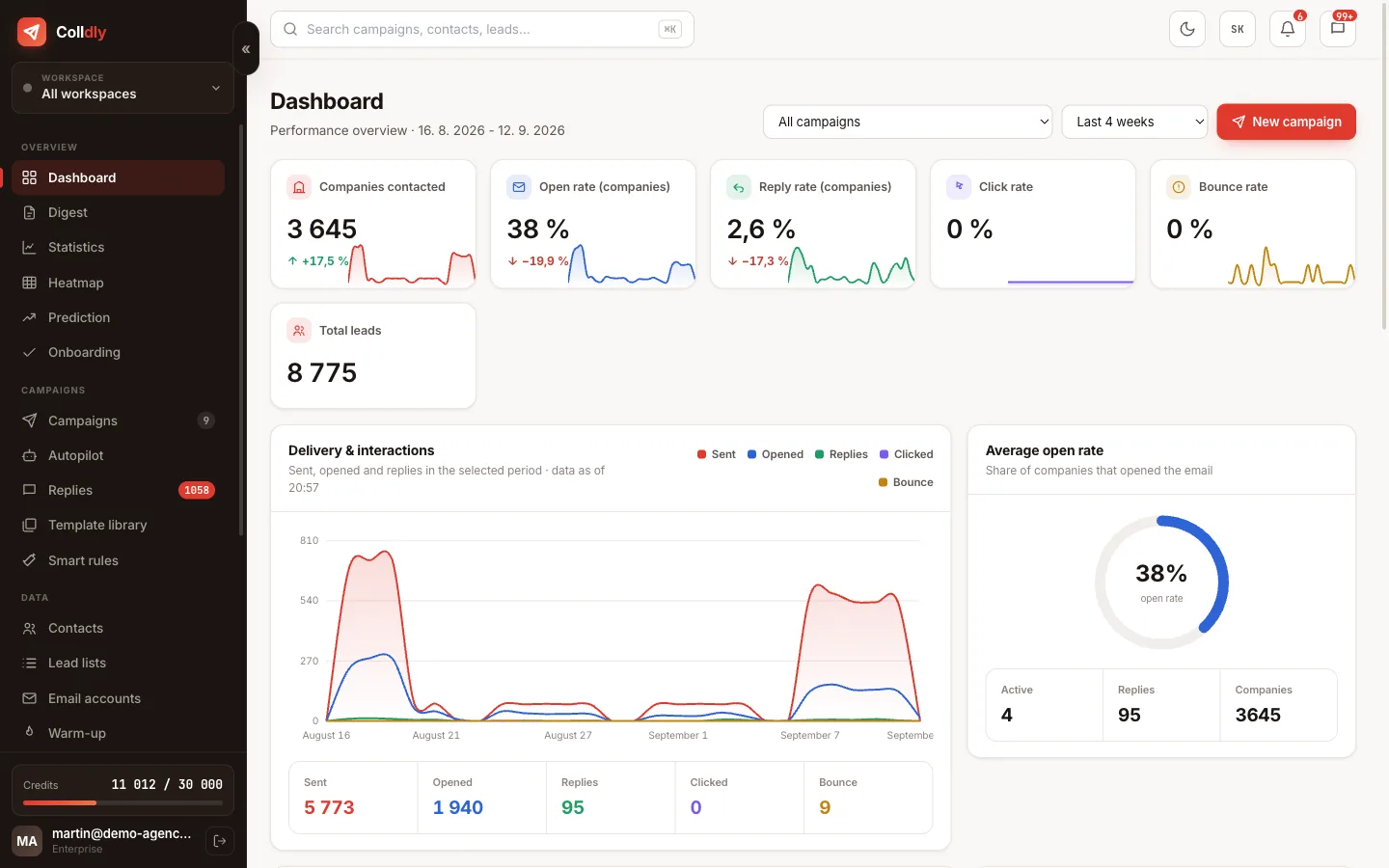
When you run outreach for several brands or clients, it stops being about features and starts being about order. Campaigns must not mix, mailboxes must belong to the right domain and a client must not see another client's data.
Colldly solves this with separate spaces. Every brand has its own world, and access is checked on the server with every request, not just by hiding buttons in the interface.
A workspace as a separate space
A workspace is a separate space for one brand or client. Its campaigns, email mailboxes, lead lists and blocklist belong to it. You switch between them with one click in the header.
The separation is not cosmetic. A campaign created in one space cannot use a mailbox from another, so one client's offer never goes out from another client's domain. The same applies to the blocklist: a domain excluded for one client does not block the campaigns of the others.
Contacts are a deliberate exception. They work as a shared mini-CRM across brands so that you know whom you have already contacted, regardless of the brand.
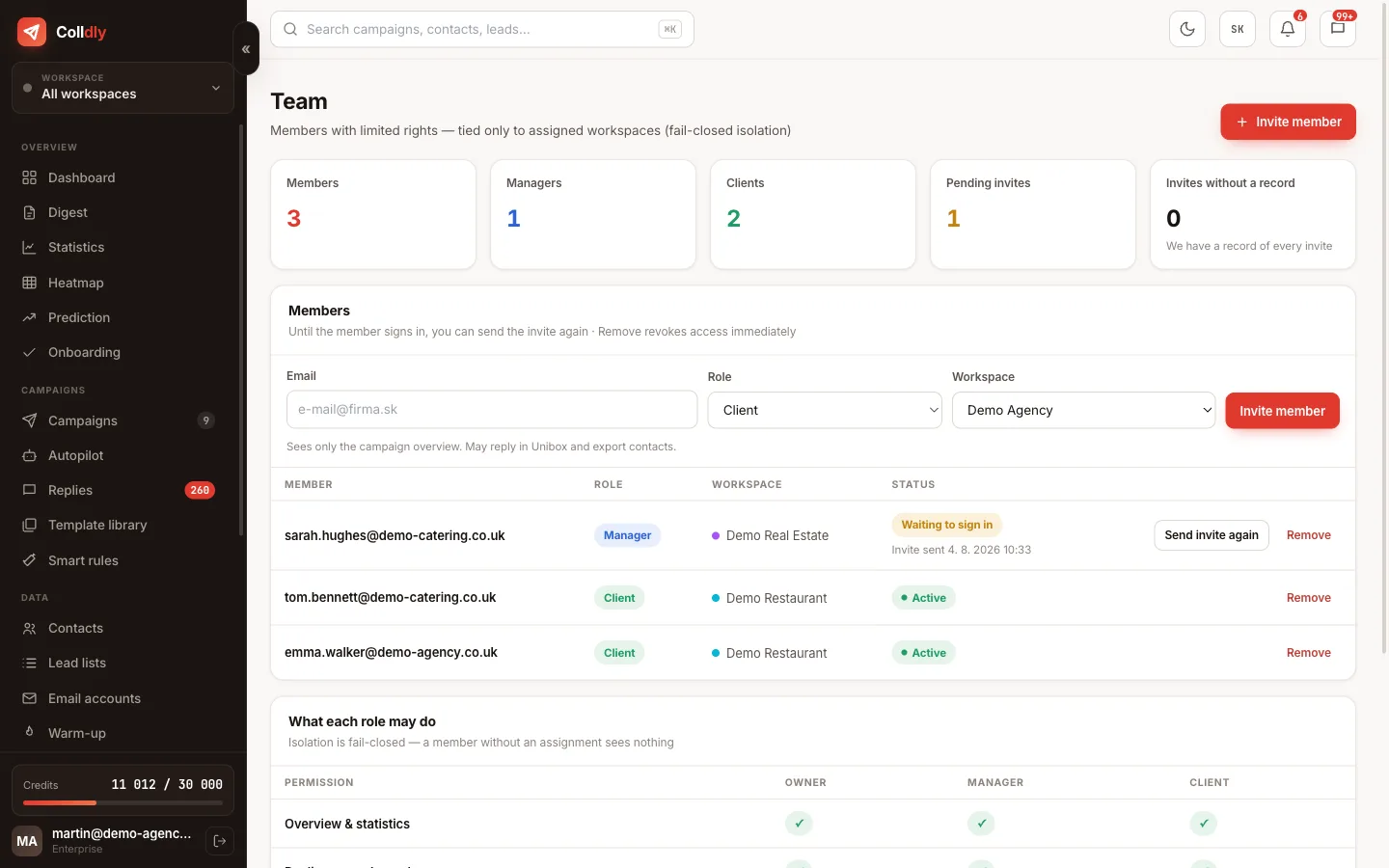
Roles and who sees what
Client access instead of monthly reports
The biggest time saving in agency work is not in sending but in reporting. Assembling a spreadsheet for every client every month is work nobody invoices.
When the client gets their own access, they check the results themselves, any time. They see how many companies were contacted, what the open rate is and, above all, which replies came in, because that is what interests them.
A practical side effect: a client who sees replies in real time gets back to you faster and the deal closes sooner.
How to invite someone
How the separation is secured
Hiding a button in the interface is not security. Anyone with basic browser knowledge can call the same interface directly, and if access were decided only by what is visible, the data would be open.
In Colldly authorisation is therefore checked on the server with every single request. When a team member asks for campaigns, the server first determines which brands they have access to and returns only those. If they ask for something outside their scope, they get a refusal, not an empty list.
The same logic applies to replies and to deletions and edits. Mailbox passwords are masked for members in the interface, so even a manager with access to a mailbox does not see its password.
A typical agency setup
How most agencies arrange it in practice.
What this feature does not do
So you know exactly what you are buying: these are deliberate limits, not bugs.
Frequently asked questions
Do I pay for every team member?
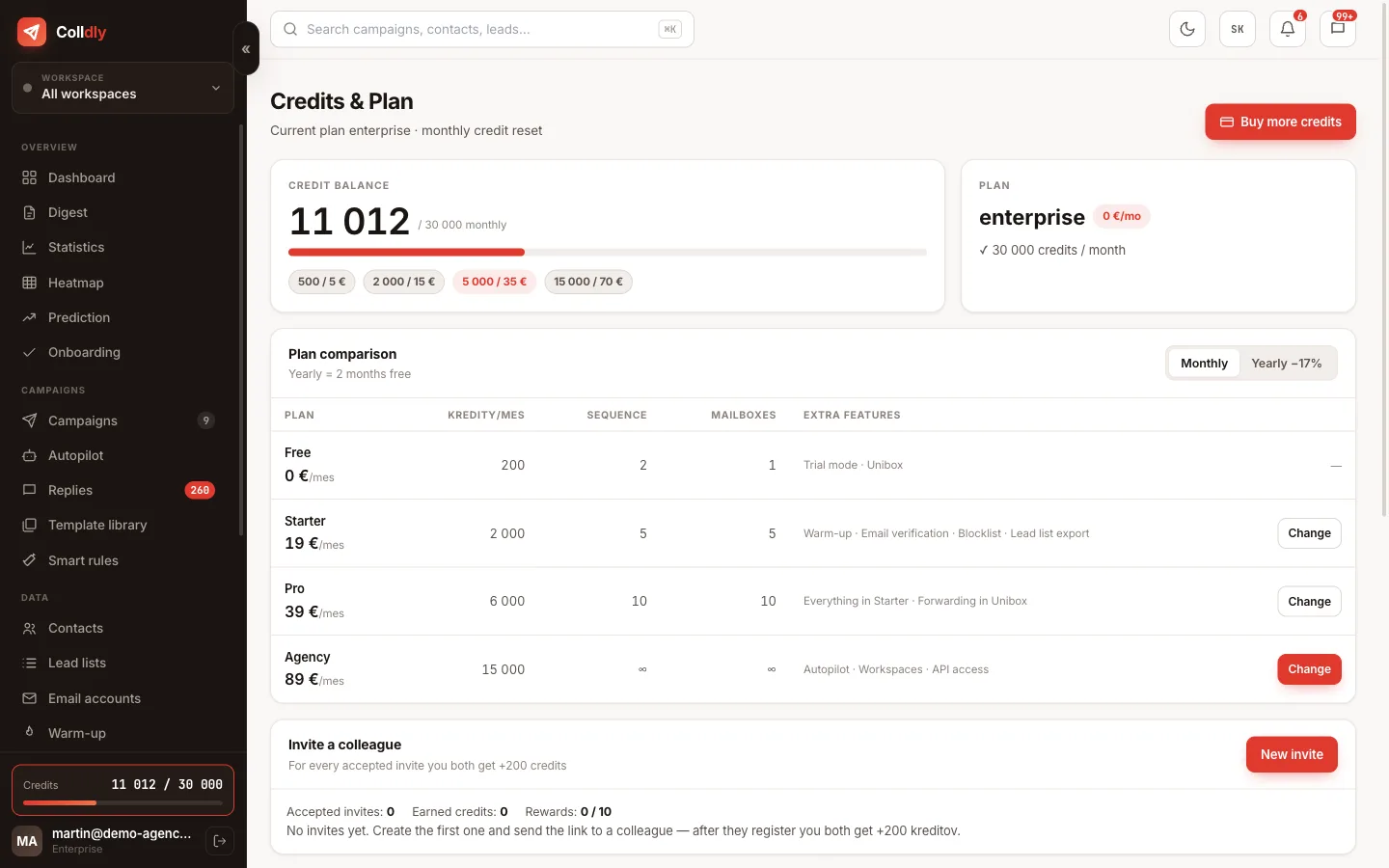
No, we do not charge per user. You pay for the plan and invite members as needed.
Can a client get to another client's data?
No. Access is checked on the server with every request according to the assigned brands, not by hiding elements in the interface.
Can a member manage their own reply mailbox?
Yes, they can manage collector mailboxes because that is their operational matter. Sending mailboxes and warm-up stay with the owner.
How many brands can I have?
Unlimited on the Agency plan. Lower plans have the limit listed in the pricing.
How do I remove a client?
In the Team tab you remove them and their access ends immediately. Their data stays in your account.