Email providers do not judge individual emails in isolation. They watch how a given address and domain behave over time: how much they send, whether people reply, how many messages end up in spam and how sharply the volume changes.
A new mailbox has no history. When a hundred emails leave it on day one to unknown addresses, that is exactly the pattern the filters look for, and the domain pays for it for weeks ahead.
Warm-up solves this by building the mailbox a history. Not with a trick, but with real communication that looks like ordinary mail because it is ordinary mail.
How warm-up works
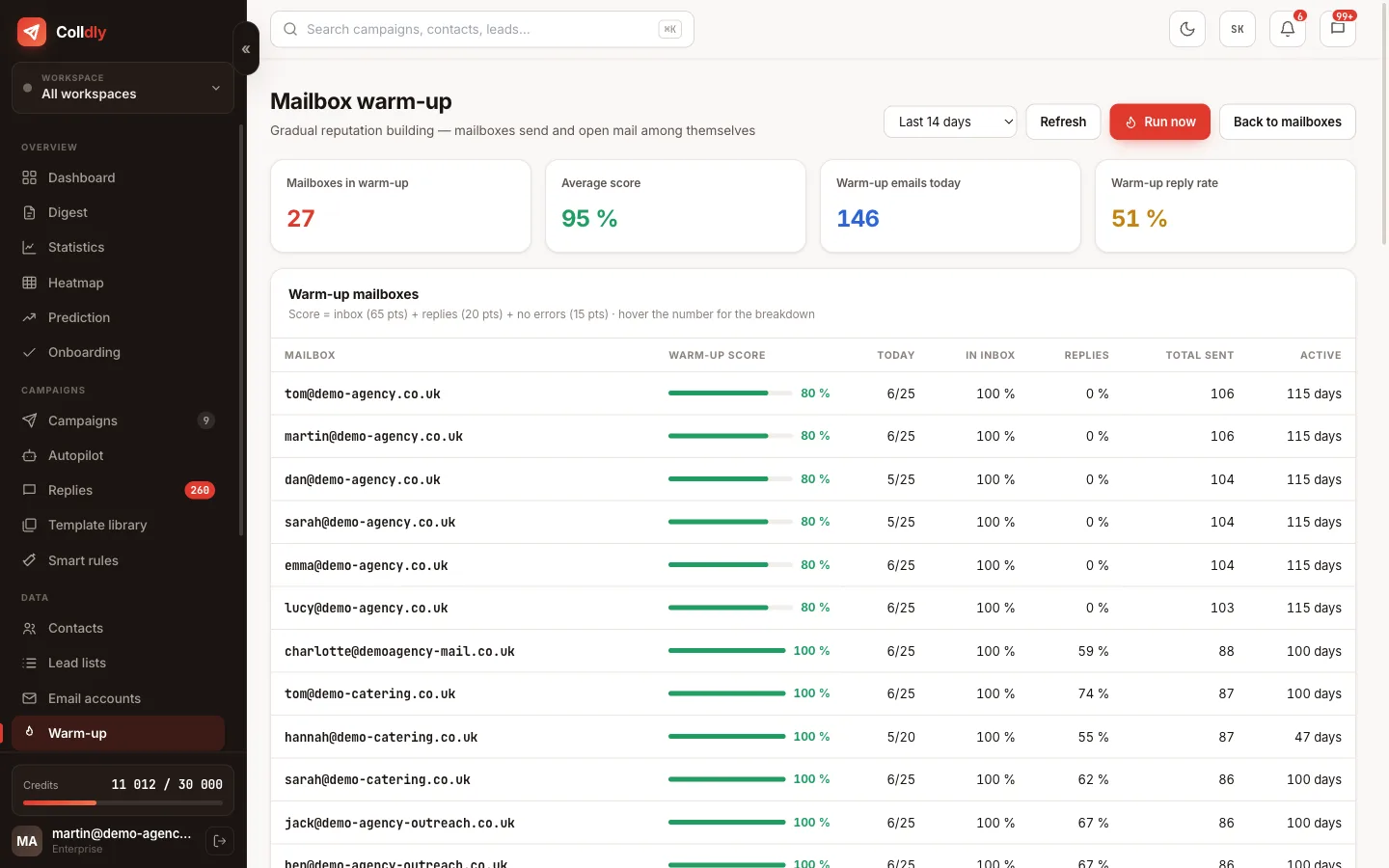
Mailboxes enrolled in warm-up send messages to each other and reply to some of them. This creates the pattern providers rate best: messages are opened, receive replies and nobody marks them as spam.
Volume does not jump. The system starts at a handful of messages a day and gradually adds up to the target daily limit you set. The ramp-up is deliberately slow, because a sharp increase in volume is one of the strongest spam signals.
Messages do not go out at regular intervals or in a batch. The gaps are irregular and tied to working hours, so even the timing matches ordinary communication.
What warm-up does beyond sending
Timeline of a new mailbox
An indicative course with common settings. You see the exact pace in the warm-up overview.
Why more mailboxes beat higher volume
The safe daily volume of a warmed-up mailbox in cold email is usually up to fifty messages. It is not a technical limit; more can be sent. It is the line beyond which the risk of the address falling out of favour starts to grow.
When you need a higher total volume, the right answer is to add mailboxes, not to push one harder. Ten mailboxes at forty emails each are considerably safer than two at two hundred, although the resulting number is similar.
That is why Colldly relies on rotation: the campaign alternates the connected mailboxes and spreads the volume so that none exceeds its cap. You manage the total number, the system looks after the individual addresses.
What this feature does not do
So you know exactly what you are buying: these are deliberate limits, not bugs.
Frequently asked questions
How long until the mailbox is ready?
Usually two to four weeks depending on the target volume and provider. You see the progress in the warm-up overview with the daily count of sent messages.
Do I have to do anything during warm-up?
No. Once switched on it runs fully automatically, including replies and moving messages out of spam. Watching the overview is enough.
Do warm-up emails count towards my daily limit?
Yes. The system counts them so that warm-up plus campaign never exceed the mailbox's safe volume.
How many mailboxes do I need?
For a hundred emails a day two or three are enough; for five hundred count on roughly ten, ideally across several domains.
Can I use warm-up on an old mailbox too?
Yes, and for a mailbox with damaged reputation it makes sense. The ramp-up takes longer, but the result is usually visible.
Will I see whether my messages land in spam?
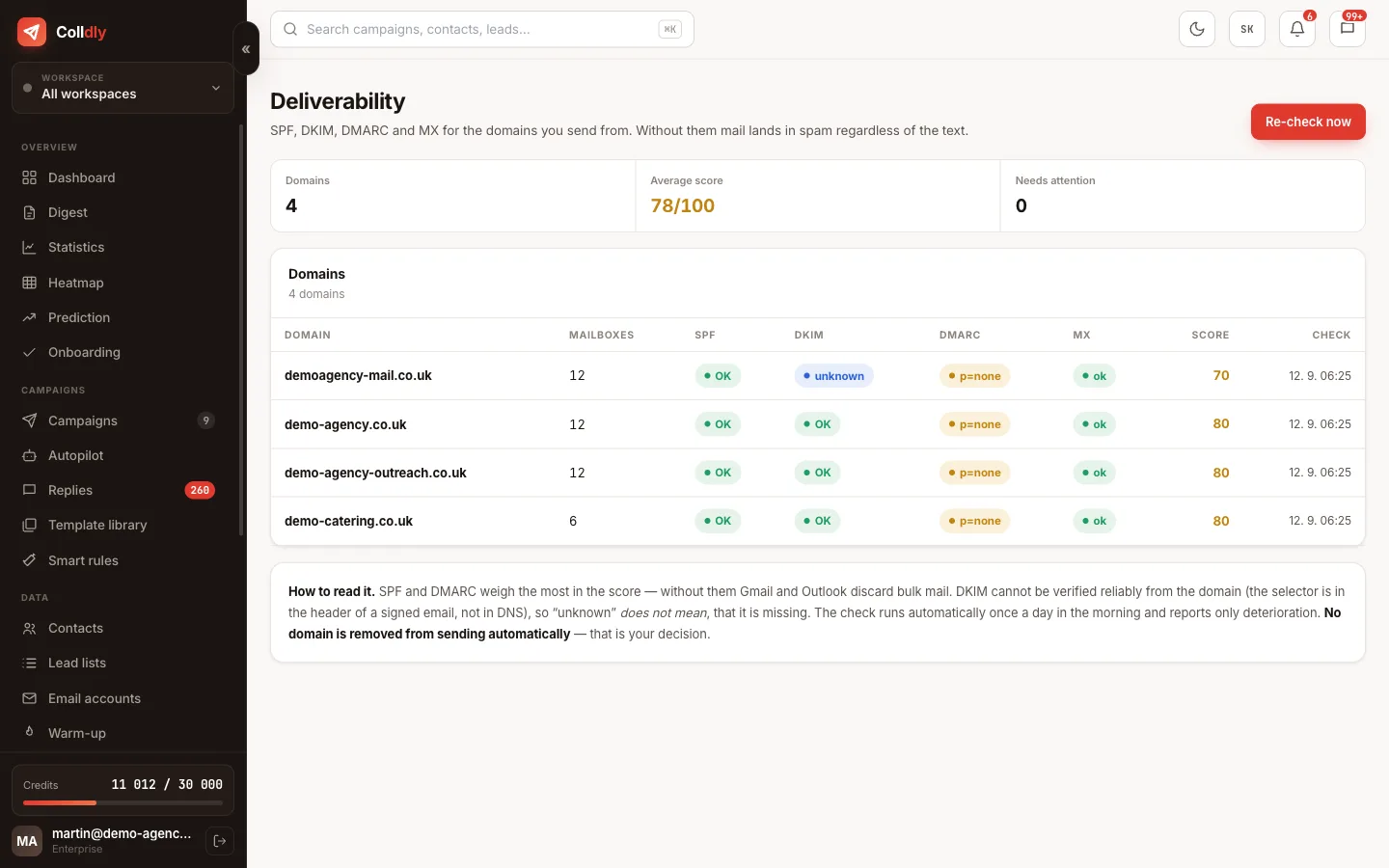
Warm-up tracks where its messages arrived, and the share caught in spam is part of the overview. It is the earliest signal of worsening deliverability.