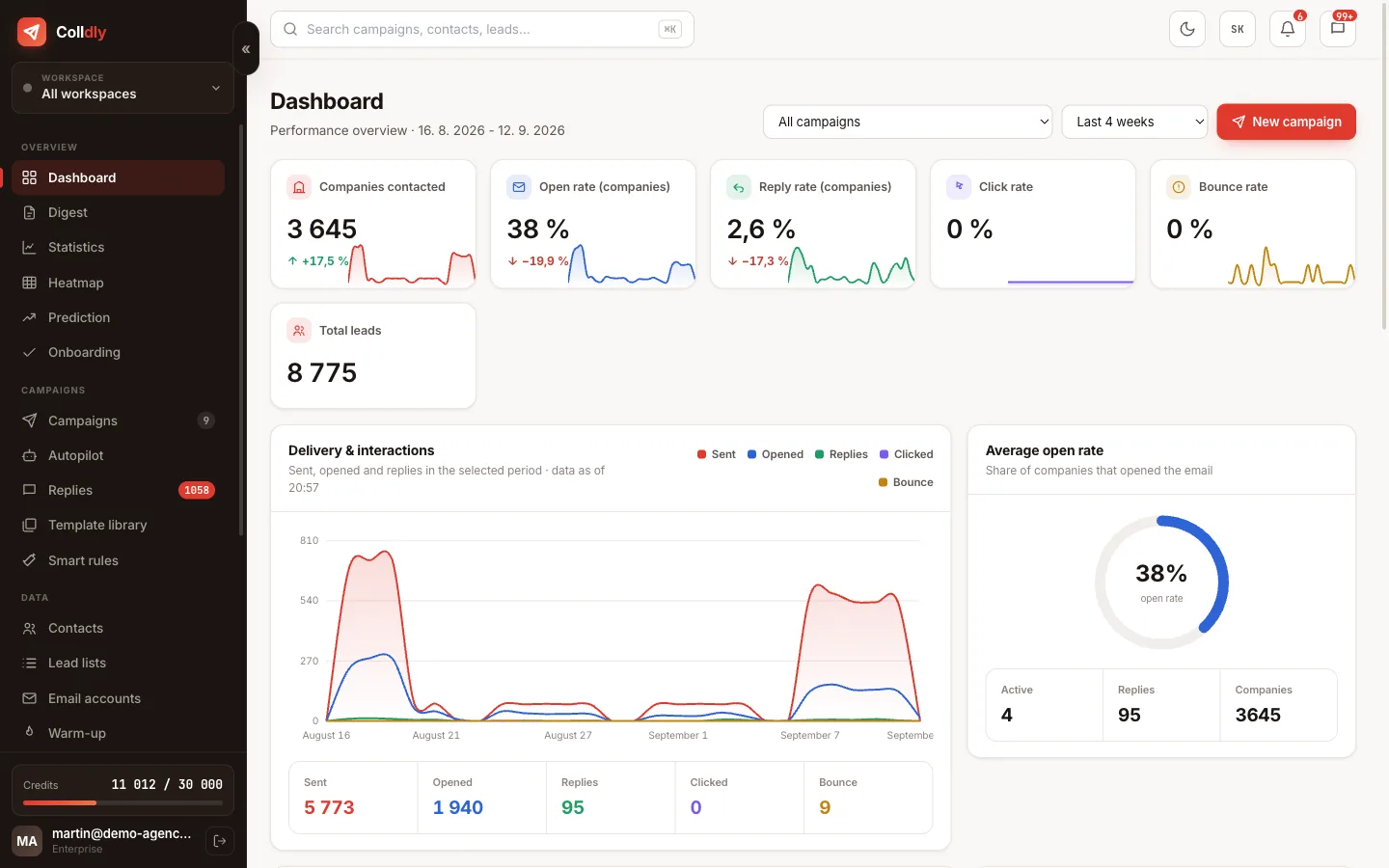
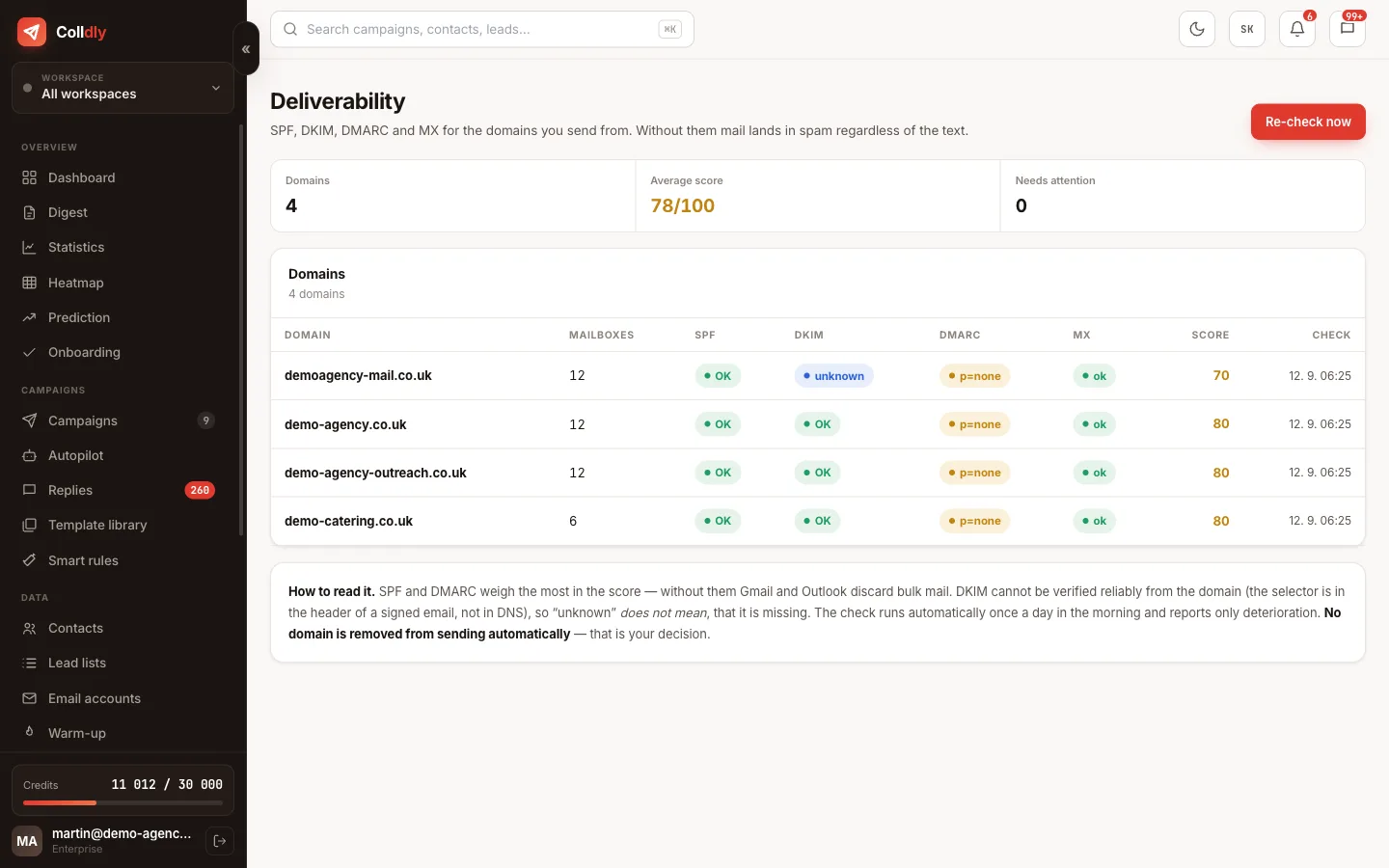
Deliverability is not a setting you switch on. It is the result of four things working together: the domain's technical setup, mailbox reputation, volume and content. When one fails, it drags the others down.
The nasty part is that you do not learn about the problem directly. Nobody sends you a message that your emails end up in spam; replies simply stop coming and the open rate quietly drops.
That is why the deliverability centre watches the signals that announce a problem before it turns into a damaged domain.
Three DNS records you cannot do without
You run the domain check right in the app and get the values to copy.
Volume, pace and gaps
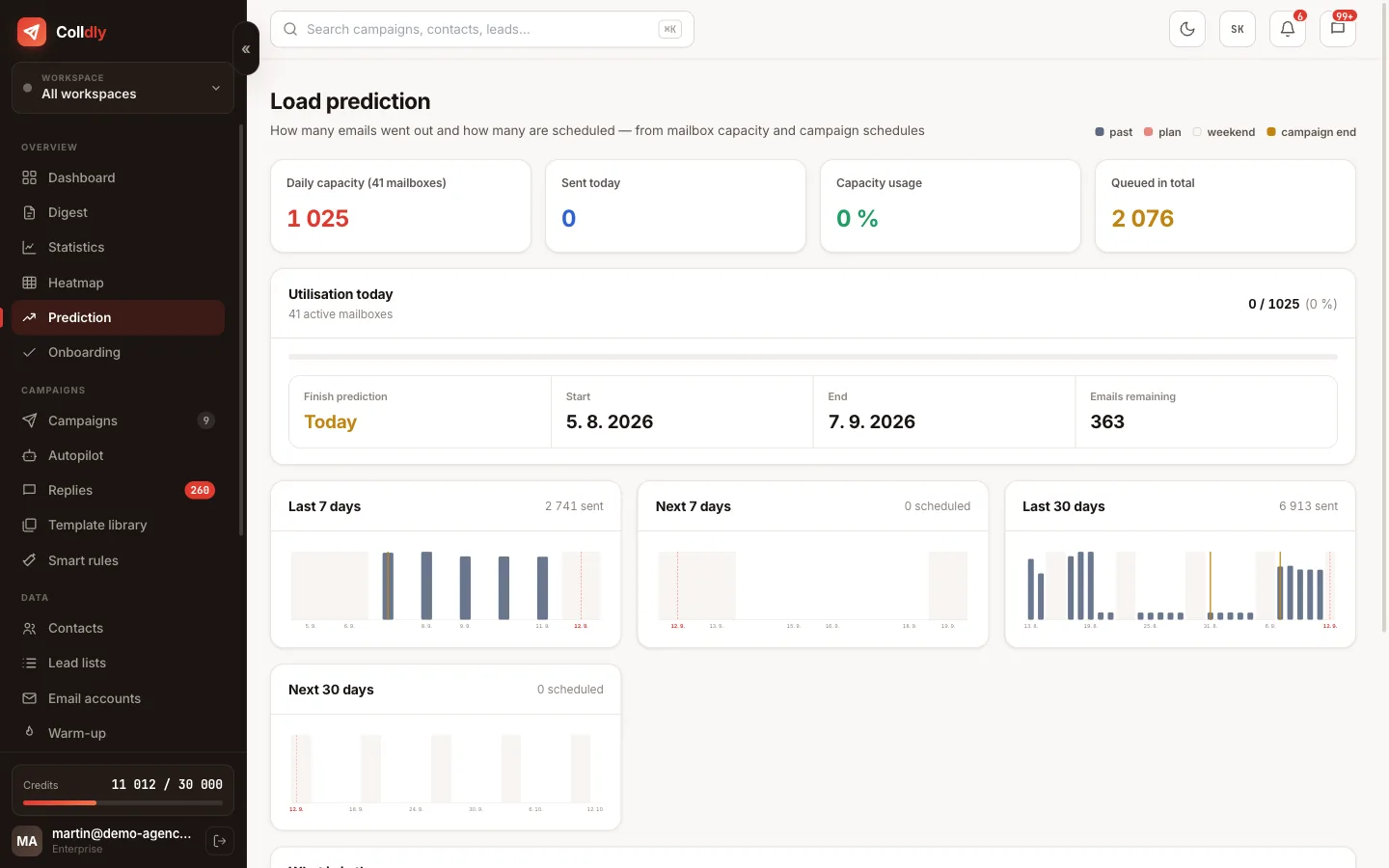
Even a technically flawless domain runs into trouble when an unusual number of messages leaves it in a single day. The filters watch the change, not the absolute number: a jump from ten to two hundred emails is more suspicious than a steady hundred a day.
That is why Colldly keeps three things at once. A daily limit per mailbox so that none exceeds a safe volume. Rotation between mailboxes, which spreads the total number. And irregular gaps between individual sends so the sending does not look mechanical.
Scheduling adds to that: emails go out on the chosen days and within a working window according to the recipient's time zone. A message delivered on Tuesday at ten simply has a different fate from one arriving on Sunday at three in the morning.
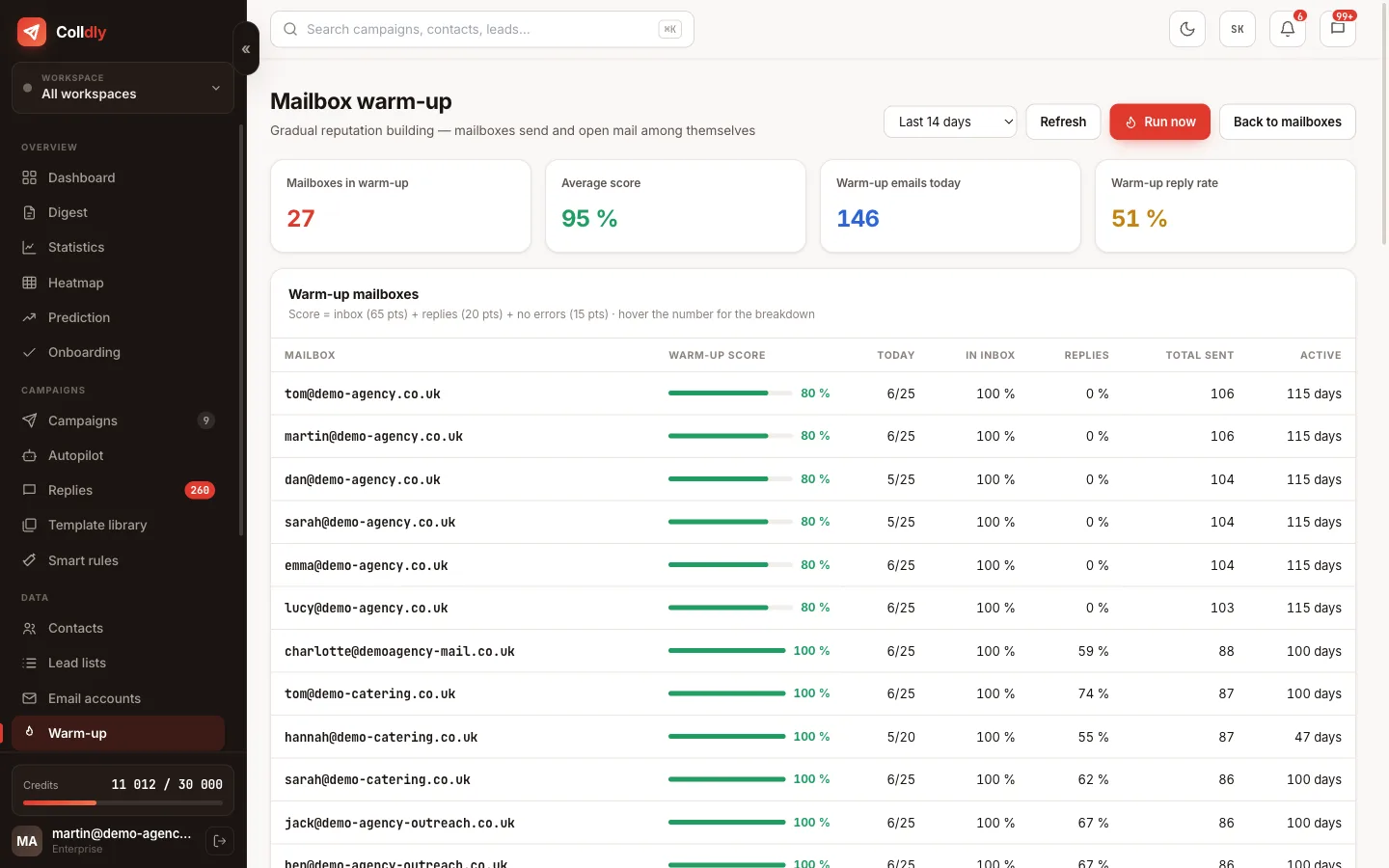
The signals the system watches
When one of them worsens, you hear about it before it has time to grow.
Content that does not provoke the filters
The technical side is only half of it. The other half is the email itself. Attachments in cold email worsen deliverability considerably and there is no reason to send them on first contact. The same goes for a large number of links; in the first email it pays to have none.
Graphic footers, tracking banners and image signatures are another needless signal. A plain text email with a short signature always passes better than a polished template from a newsletter tool.
A custom tracking domain is the last piece of the puzzle. When tracking and links go through your domain instead of someone else's shared one, you do not carry anyone else's reputation.
What this feature does not do
So you know exactly what you are buying: these are deliberate limits, not bugs.
Frequently asked questions
How many emails a day can I safely send from one mailbox?
For a warmed-up mailbox count on up to fifty cold emails a day. Handle a higher total volume by adding mailboxes and rotation, not by raising the limit on one.
How do I find out I am landing in spam?
The earliest signal is usually an open rate drop with unchanged copy and a decline in replies. Warm-up also tracks where its own messages arrived.
Do I need a custom tracking domain?
We recommend it. Without it tracking runs through a shared domain, which is a weaker signal. With your own you hold the reputation in your own hands.
What should I do with a high bounce rate?
Stop the campaign immediately, clean the list and drop risky addresses. Only then continue, with a lower daily volume.
Does it help if the email contains no link?
On first contact, yes. Save links for a follow-up once there is interest; the deliverability of the first email is the most important.
Does it also handle a mailbox that stops working?
Yes. The system recognises an SMTP failure, removes the mailbox from rotation and alerts you so the campaign does not run blind.