An ordinary campaign has a beginning and an end. You build a list, contact it, and when it runs out you build the next one. It works, but it means regular work that is easy to forget in the rush, and the flow of enquiries stops exactly when you are busiest.
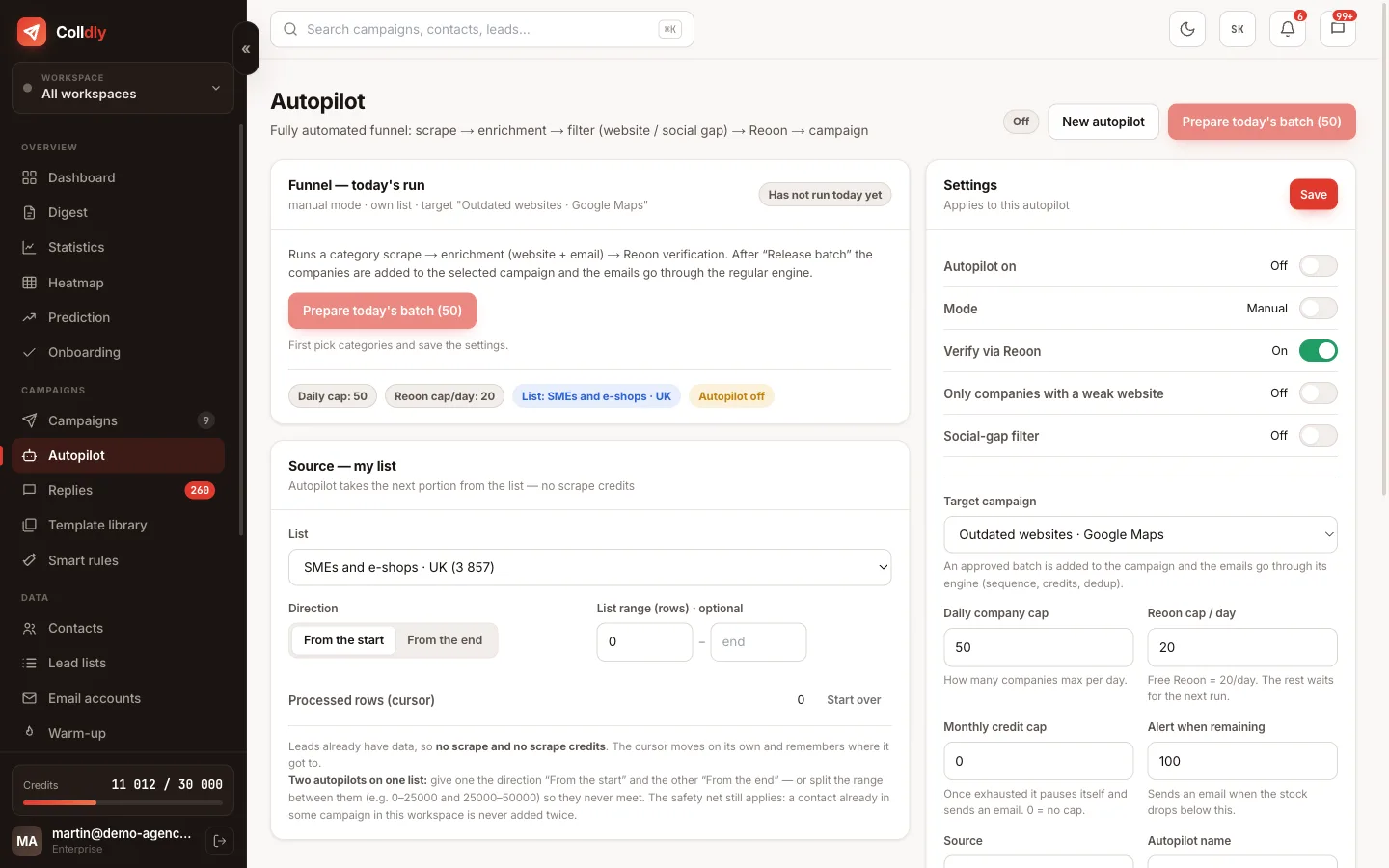
Autopilot turns a campaign from a one-off action into a permanent process. You point it at a lead list, say how many companies it may take per day and how much it may spend, and it takes care of the rest itself: enrichment, verification, copy, sending.
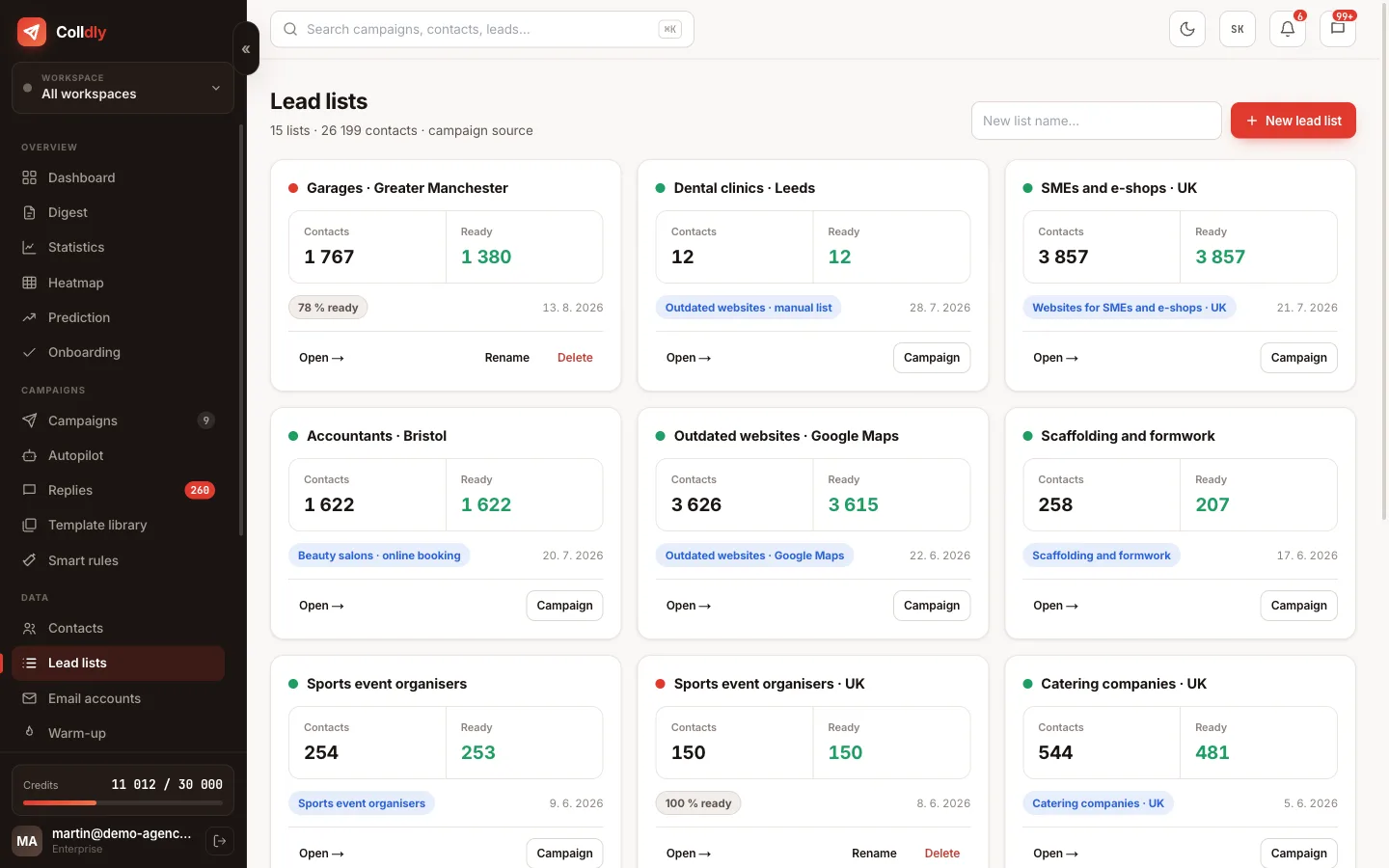
Outside Slovakia and Czechia the source is always your own list: a Google Maps search (49 countries), a CSV import or a list built in the app. The system does not invent companies; it works through the stock you gave it, every working day, without you touching it.
What Autopilot does on its own
Every working day it takes the next portion of your lead list. It enriches the companies with website and contact, has the addresses verified and adds those that pass to the target campaign, where it generates personalised emails for them.
The campaign then sends in the standard way, with mailbox rotation, daily limits and within the sending window. Autopilot has no delivery method of its own; it only makes sure the campaign never runs out of companies.
You enter the process in one place: the replies. Autopilot never replies for you and never interferes in a conversation with an interested prospect.
Safeguards against uncontrolled spending
Automation that spends money unsupervised is a nightmare. That is why Autopilot has several brakes.
Setup step by step
Who it makes sense for
Autopilot is for the situation where you have a refined offer, working copy and a list that cannot be exhausted in a month. Typically services sold across industries: websites, marketing, accounting, IT support, recruitment. A Google Maps search for one trade across a region easily gives you a thousand companies.
Conversely, it makes no sense with a narrow target group of a few dozen companies, where it is better to contact each one by hand and properly. Nor does it make sense when there is nobody to react to the replies; an unanswered reply is worse than an unsent email.
What this feature does not do
So you know exactly what you are buying: these are deliberate limits, not bugs.
Frequently asked questions
Does Autopilot work in the UK, Ireland or the EU?
Yes. Search companies on Google Maps in any of 49 countries (or import a CSV), save them to a lead list and set the list as the source. Autopilot takes a daily portion from it. The directory-based mode is for Slovakia and Czechia only.
How do I keep costs under control?
With the daily cap on companies, the monthly credit ceiling and manual mode, where every batch waits for your approval. You can pause the run at any time.
Can Autopilot run alongside regular campaigns?
Yes, it is a separate module. Other campaigns work independently of it.
What happens when the list runs out?
You get an alert so you can add companies or switch the source. Until then Autopilot does not stop without a word.
Does it use the same copy as my campaign?
Yes, it takes over the sequence and settings of the target campaign, including tone, length and schedule.